
Allen Computer Setup and Data Migration Services
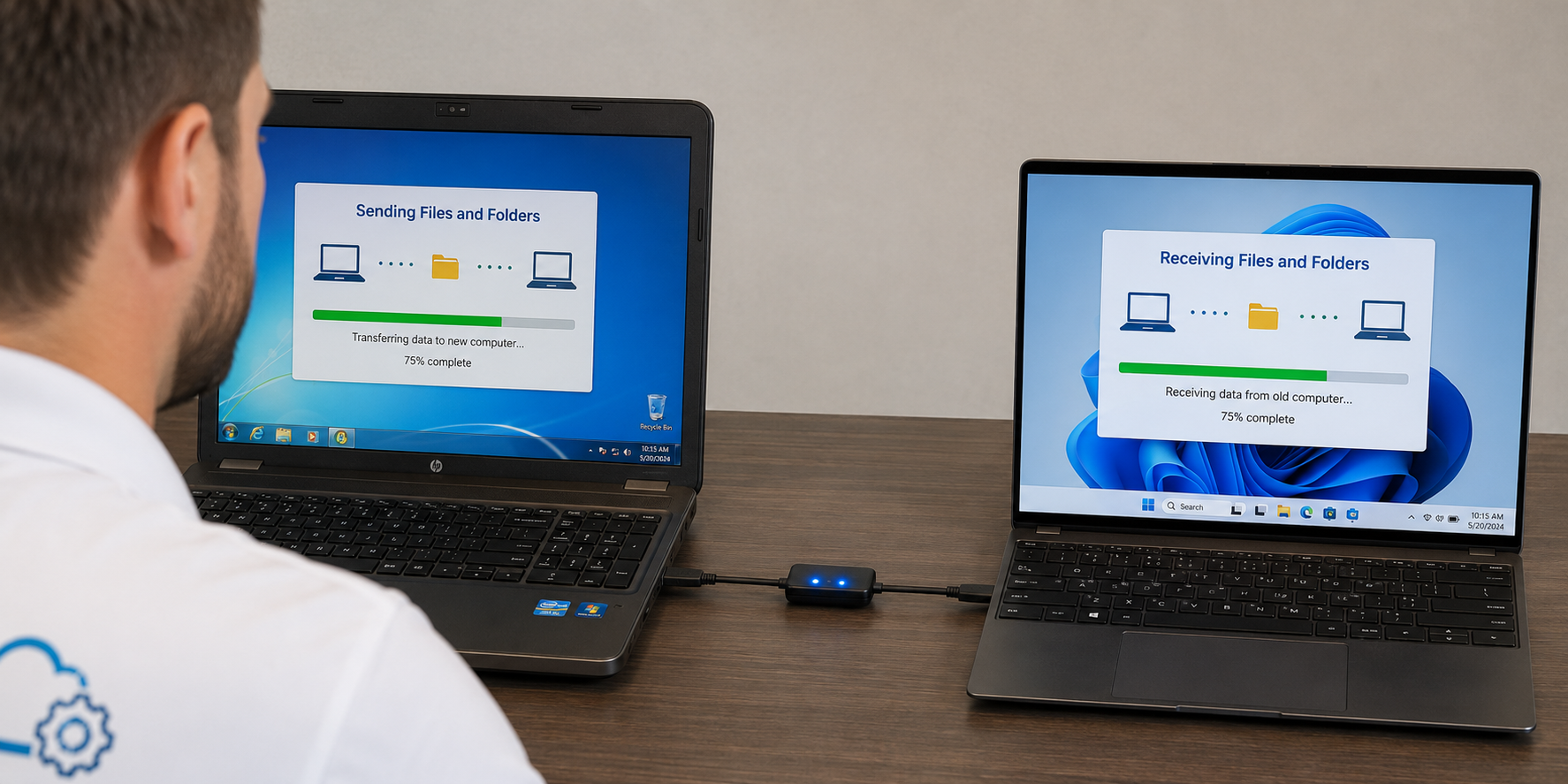
Bought a new computer? Mr. Computer provides on-site computer setup and data migration services in Allen, TX. We move important files, set up email, configure Microsoft 365, reconnect printers, migrate bookmarks, review cloud storage and make the new computer easier to use.
Local Allen computer help
At your location
Fast, practical support
#1 Rated computer setup help from a local Allen expert.
Mr. Computer is run by a local sole proprietor with decades of hands-on experience helping customers move from old, slow or failing computers to new computers that are ready to use.
New computer setup services
We make your new computer feel like your computer.
A new computer should be faster, cleaner and easier to use — not a frustrating project. We handle the practical setup work so your files, email, software, printers and daily tools are ready before we leave.
New Computer Setup
We configure Windows, user accounts, common settings, updates, browsers, printers, email and the basics that make the computer usable.
Data Migration
We move documents, pictures, music, downloads, desktop files, PDFs, tax files, business documents and other important folders.
Email and Classic Outlook
We set up Gmail, Yahoo, AOL, Verizon, GoDaddy, Microsoft 365, POP, IMAP and most common email accounts in classic Outlook.
Microsoft 365 Apps
We install Word, Excel, PowerPoint and Outlook, then sign in and activate Microsoft 365 using your existing subscription.
Printer and Scanner Setup
We reconnect compatible printers and scanners, install drivers and verify the new computer can print or scan when supported.
OneDrive and Cloud Storage
We configure OneDrive, Google Drive or Dropbox based on how you actually want your files organized and synced.
Fast new computer setup
Most new computer setup appointments are completed quickly.
A normal new computer setup and data migration appointment is usually straightforward when the old computer still works, the amount of data is reasonable, and account passwords are available.
Larger migrations can take longer when there are huge data sets, multiple email accounts, damaged Outlook files, slow old computers, cloud sync problems, old software, missing passwords or lots of questions.
What we can move
Data migration for the files and settings people actually care about.
Every computer migration is different, but these are the most common items Allen customers want moved or set up on a new computer.
Documents, Pictures and Music
Documents, photos, music, desktop files, downloads, PDFs, spreadsheets and personal folders.
Email, Contacts and Calendars
Outlook email data, contacts, calendars and account setup when the information is available and accessible.
QuickBooks and Tax Files
QuickBooks company files, tax software data, financial folders, PDF records and business documents.
Bookmarks and Browser Data
Browser bookmarks can usually be moved. Saved passwords depend on the old computer, browser profile or sync account.
Cloud Storage Setup
OneDrive, Google Drive, Dropbox and other cloud tools can be configured so files are easier to understand.
Common Software Setup
We help reinstall common apps like Microsoft 365, Adobe tools, Chrome, Teams, Zoom, Dropbox and Google Drive.
Rates
Clear pricing for on-site computer setup in Allen.
New computer setup and data migration appointments are billed under the normal Mr. Computer service rate.
1-hour minimum service call.
What affects appointment time
Some setups take longer than others.
The fastest appointments usually involve a healthy old computer, a normal amount of files, working passwords and common software. The appointment can take longer when the old computer is failing, the data set is large, passwords are missing, or old software must be researched and reinstalled.
- Multiple email accounts or large Outlook files
- Huge photo, video or document collections
- Slow or failing old computers
- Missing software passwords or license keys
- Old printers, scanners or incompatible software
Classic Outlook setup
We default to classic Outlook because that is what most customers prefer.
Many customers want the familiar Microsoft Outlook desktop app, not a confusing new experience. During a new computer setup, we can add common personal and business email accounts into classic Outlook when the account information is available.
- Gmail, Yahoo, AOL and Verizon
- GoDaddy and Microsoft 365 email
- POP, IMAP and common older email accounts
- Contacts and calendars when available
- Password reset help when possible
OneDrive and file organization
Want OneDrive turned on or off? We understand both choices.
Some customers want OneDrive syncing their files across devices. Others do not want Desktop, Documents and Pictures redirected into cloud folders. During setup, we ask how you want the computer configured and make the new computer easier to understand.
- OneDrive setup for sync and backup
- OneDrive cleanup or simplification
- Google Drive and Dropbox setup
- Local file organization
- Clear explanation of where your files are stored
Important migration limits
Files can be moved. Programs usually must be reinstalled.
On modern computers, installed programs usually cannot be reliably transferred as-is from one computer to another. Most programs need to be reinstalled using the original installer, download link, online account, subscription, license key or installation media.
We can usually help with:
- Files, pictures, documents and desktop data
- Email account setup and synchronization
- Microsoft 365 installation and activation
- Browser bookmarks
- QuickBooks and tax files
- Printers and scanners when compatible
- Cloud storage configuration
Important limitations:
- Programs must usually be reinstalled
- Old software may not work on a new computer
- Old printers or scanners may be incompatible
- Saved passwords may not always transfer
- Accounts require passwords or recoverable access
- Failing old computers may limit what can be recovered
- Some subscriptions require customer account access
How the setup process works
A simple process for getting your new computer ready.
Tell us what you need
Call and explain whether you need files moved, email set up, software reinstalled, browsers configured or printers connected.
We review both computers
We check the old computer, new computer, data size, email accounts, software needs, browser data and printers.
We migrate and configure
We move files, set up Outlook, install common software, configure cloud storage and reconnect supported devices.
We test before we leave
We verify email, files, printers, browsers, apps and basic usability so the new computer is ready for normal use.
Before the appointment
Have these items ready to make the setup go faster.
You do not need to be a technology expert. The appointment usually goes faster when a few basics are available.
Old and New Computers
Have both computers available with power cords, chargers and any needed accessories.
Computer Passwords
We need to be able to log into the old computer and the new computer.
Email Passwords
Email passwords are very helpful and can save time during Outlook or mail setup.
Software Licenses
Have download links, purchase emails, discs, license keys or account logins for software you want reinstalled.
Printer Access
Have the printer powered on and available if you want printing or scanning set up on the new computer.
Account Access
Microsoft, Google, Apple, antivirus, cloud storage and software accounts may require login access during setup.
FAQ
Allen computer setup and data migration questions.
Do you provide computer setup and data migration in Allen, TX?
Yes. Mr. Computer provides on-site computer setup and data migration services in Allen, TX for customers moving from an old computer to a new desktop or laptop.
What can you move to my new computer?
We can usually move documents, pictures, music, desktop files, downloads, PDFs, tax files, business documents, browser bookmarks, Outlook data, contacts and calendars when the data is available.
Can you set up Outlook on the new computer?
Yes. We can set up classic Outlook with common email providers including Gmail, Yahoo, AOL, Verizon, GoDaddy, Microsoft 365, POP, IMAP and many business email accounts.
Can installed programs be transferred?
Usually no. Installed programs generally must be reinstalled on the new computer using the original installer, download link, subscription, account login, license key or installation media.
Can you set up Microsoft 365?
Yes. We can install Word, Excel, PowerPoint and Outlook, then sign in and activate Microsoft 365 using your existing subscription.
How long does a new computer setup usually take?
About 90% of customers are completed in 1.5 hours or less when there are not many extra programs, multiple email accounts, huge data sets, slow computers or complicated account problems.
What does computer setup and data migration cost?
Computer setup and data migration is billed at $179 per hour with a 1-hour minimum service call under the normal Mr. Computer fee schedule.
Schedule computer setup help
Need a new computer set up and your data moved in Allen?
Call Mr. Computer and tell us what kind of new computer you purchased, what needs to be moved from the old computer, and whether you need email, Microsoft 365, printers, cloud storage or software reinstalled.