
How to Add Gmail, Yahoo, AOL or iCloud Email to Classic Outlook
A lot of people want to add Gmail to Outlook so they can read personal and work mail in one familiar desktop app. The same is true for Yahoo, AOL, Verizon and iCloud. You type the address and the password you have used for years, and Outlook rejects it. That does not always mean the password is wrong. The provider is often blocking a regular sign-in from Outlook until the account is set up a different way.
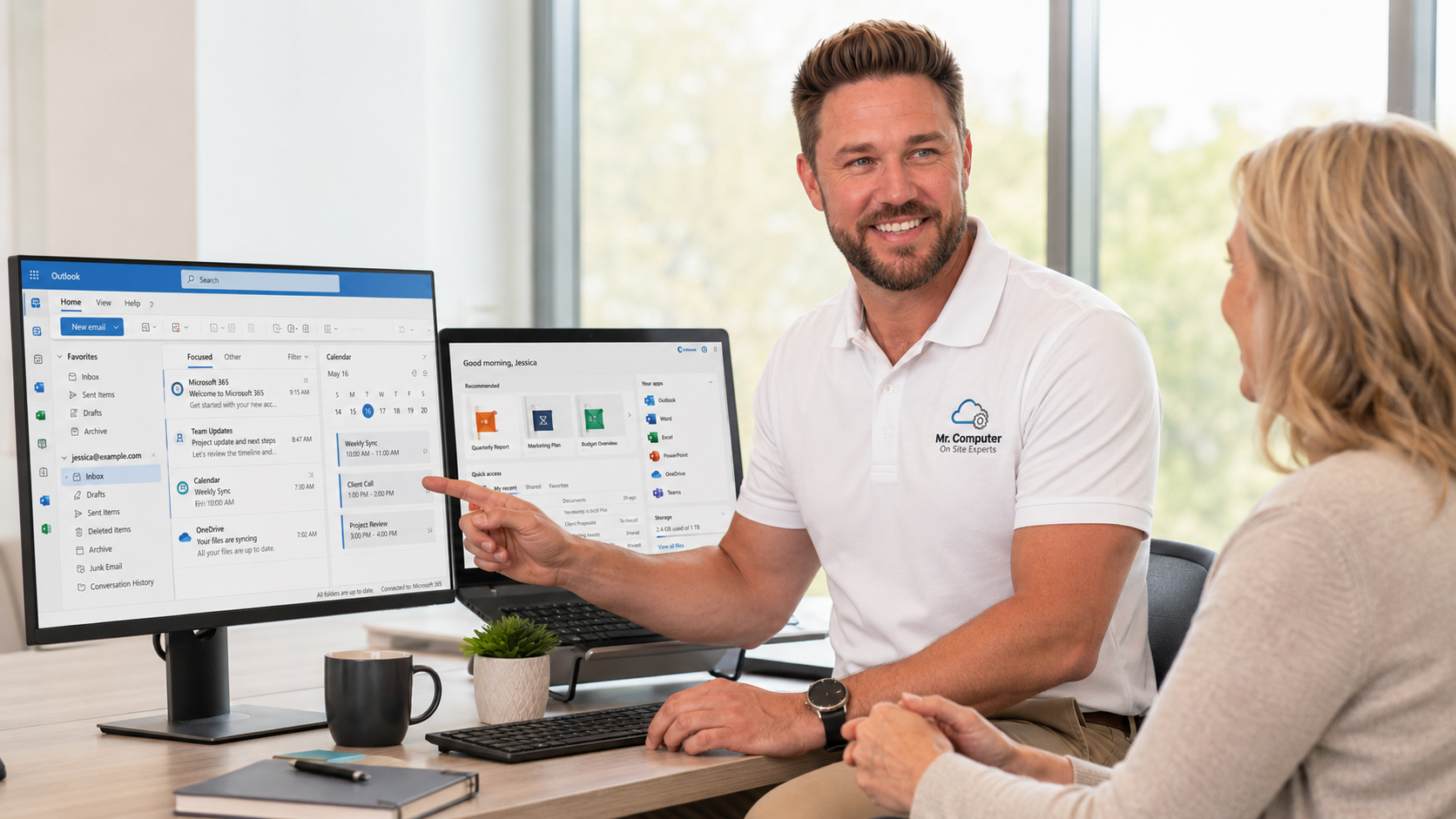
I am Jeremy Zuther of Mr. Computer, based in Allen. One of the most common calls I get is setting up email in the classic Outlook desktop app, especially after a new computer arrives. Here is a practical guide to what usually works, why the "right" password gets refused, and where account recovery depends on Google, Apple, Yahoo or Microsoft rather than on a technician.
Why Classic Outlook Is Usually the Better Place to Add Gmail
Microsoft now offers more than one Outlook. There is the classic desktop app that many people have used for years, a newer Outlook, and webmail in a browser. Most of my customers prefer classic Outlook, so that is the default I use when I set up email.
Classic Outlook can hold several accounts in one profile: Gmail, iCloud, a work Microsoft 365 mailbox, and an older AOL or Verizon address. Contacts and calendars can live there too. If you just bought a new PC, getting those accounts into Outlook is often part of a larger new computer setup and data migration.
The new Outlook can work for some people, but it behaves differently and is not what most of my customers are expecting. If you are not sure which one you have, that is a good thing to sort out before you spend an afternoon fighting sign-in errors.
Why Outlook Rejects a Password That Works in a Browser
This is the part that surprises almost everyone. You can sign in to Gmail, Yahoo or iCloud on the web with no trouble. Outlook then says the password is incorrect. A few things tend to cause that:
- The provider expects a special app password or an approved sign-in, not the regular account password.
- Two-step verification is turned on, and Outlook cannot complete that extra step the way a browser can.
- Less-secure or third-party app access is turned off in the account's security settings.
- The account is an older POP or IMAP mailbox, and the incoming or outgoing server settings are wrong.
- The password was recently changed, or the account has a security hold after a suspicious login.
None of that means Outlook is "broken." It means the email provider is protecting the account and needs to be configured to allow a desktop app to connect. That is especially common when you add Gmail to Outlook, and it comes up with iCloud and Yahoo as well.

How to Set Up Gmail, Yahoo, AOL or iCloud in Classic Outlook
The exact clicks change from time to time, because Google, Apple and Yahoo update their security pages. The idea stays the same.
1. Confirm you can sign in on the web first
Before you touch Outlook, open a browser and sign in to the email account. If you cannot get in there, Outlook will not be able to help. This is also the moment to confirm the recovery phone and recovery email still belong to you.
2. Turn on two-step verification and create an app password if the provider requires one
Many providers will not accept your everyday password inside Outlook. They want two-step verification turned on, and then a unique app password generated for Outlook. You paste that into Outlook instead of your regular password. Write it down only long enough to finish setup, then store it securely or let the account keep it.
3. Add the account in classic Outlook
In classic Outlook, use the option to add an account and enter the email address. Let Outlook try automatic setup first. If it fails, you may need to choose IMAP (or, for some older mailboxes, POP) and enter the provider's server names. IMAP is usually the better choice because it keeps mail in sync across your phone and computer.
4. Test sending and receiving
Send a message to yourself and confirm new mail arrives. Check that the correct "From" address is being used, and that the sent folder looks right. If you use more than one account, confirm you are not sending a work email from a personal address, or the other way around.
Yahoo, AOL, Verizon and iCloud follow a similar pattern: web sign-in first, then any app password or security approval the provider requires, then the Outlook profile. GoDaddy email, including Microsoft 365-based mail purchased through GoDaddy, and ordinary POP or IMAP accounts can be added the same way when the username and password are known or recoverable.
When Setup Gets Stuck
Sometimes the settings are right and the account still will not connect. Common causes include a full mailbox, a provider outage, a security lock after too many sign-in tries, or an old Outlook profile that is already damaged. Duplicate folders, missing folders and leftover PST data files from a previous computer can make it look like mail is gone when it is just in the wrong place.
This is where email and Microsoft 365 help earns its keep. I can review the Outlook profile, the provider settings, and the account security options with you, then test sending and receiving before I leave. If the computer is otherwise healthy and the internet is working, some of this can also be done through remote support. WiFi problems, new hardware and many setup jobs are still better handled on site.

What Depends on You, and What Depends on the Email Provider
I can fix many Outlook and setup problems. I cannot force Google, Apple, Yahoo, AOL or Microsoft to restore an account. If the account is locked and the recovery phone or recovery email is no longer yours, recovery may be impossible or extremely unlikely. I also cannot recover messages the provider has permanently deleted, and I cannot fix an outage on the provider's end.
If you are not sure whether the password can be reset, start with the provider's official account-recovery page from a device you trust. Do not type passwords into a page that arrived as a surprising email or a pop-up.
Common Questions
Do I have to use Outlook, or can I just use the browser?
You can use webmail if that is all you need. People ask me to set up classic Outlook because they want a desktop inbox, calendars and contacts in one place, and because it is what they already know how to use.
Will adding Gmail to Outlook move my mail off Google's servers?
With IMAP, your mail stays in the Gmail account and Outlook keeps a synchronized copy. That is usually what you want. POP is different and can leave mail in one place only, which is why I rarely recommend it unless there is a specific reason.
I changed my Google or Apple password. Why did Outlook stop working?
Outlook is still trying to use the old password or an old app password. Update the stored sign-in in Outlook, and create a new app password if the provider requires one. This is a very common call after a password change.
If you would rather not wrestle with app passwords and server settings, call 469-261-7000 or book an appointment. I can get the accounts into classic Outlook, test them, and leave you with a mailbox that actually sends and receives.