Using AI in a Small Business: Practical ChatGPT Uses for Your Front Office
Owners looking for AI consulting for a small business in Dallas usually do not want a lecture about the future. They want the inbox to move faster, leads to get an answer the same day, and repetitive front-office work to stop eating the afternoon. That is a reasonable goal. It is also where a lot of businesses get stuck: they have heard of ChatGPT, maybe tried it once, and then gone back to typing every reply by hand.
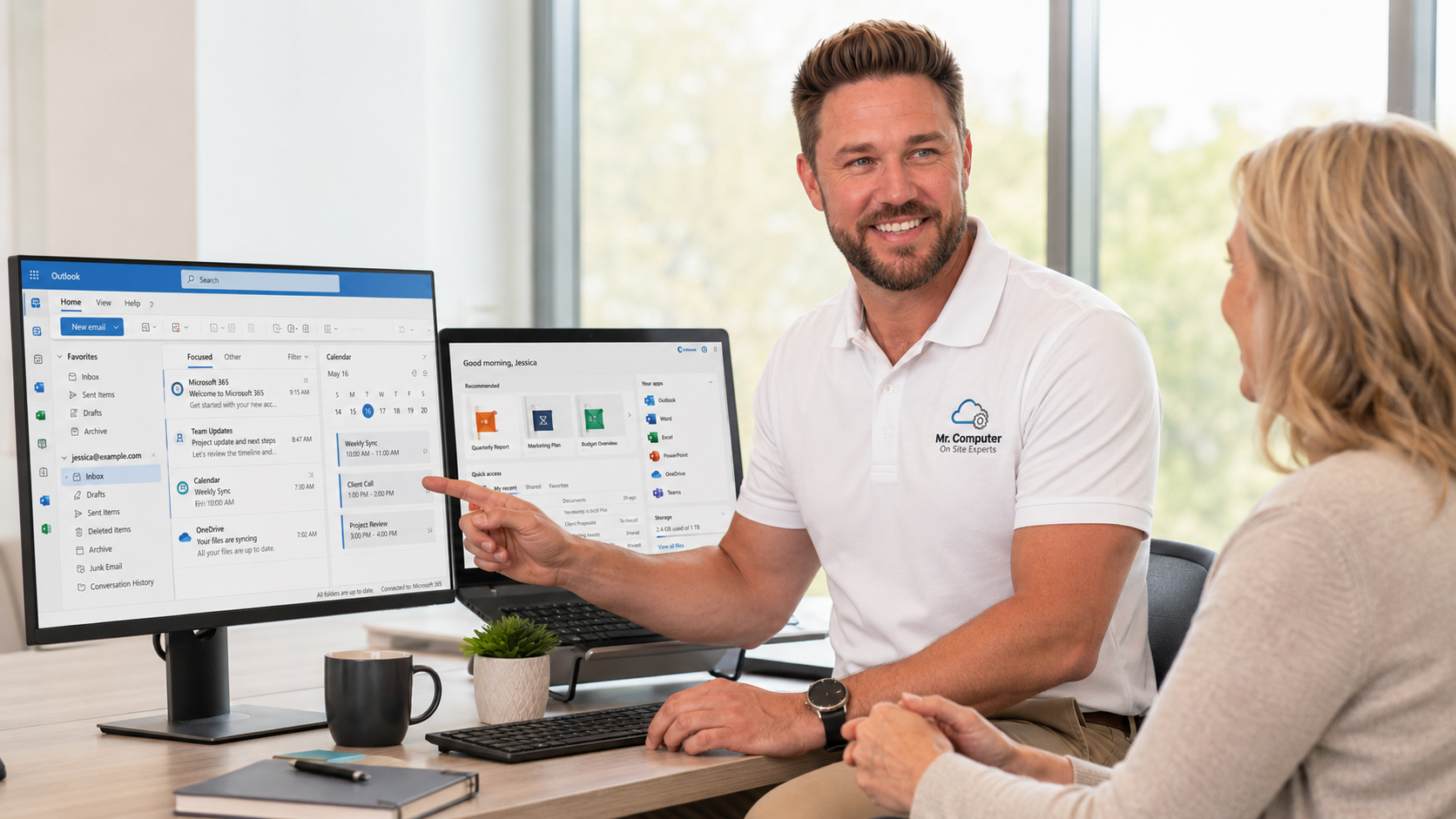
I am Jeremy Zuther of Mr. Computer in Allen. I provide on-site AI consulting at my normal hourly rate, with no vague package and no hard sell. We sit down, look at how the office already works, and set up simple uses of ChatGPT and related tools that your staff can actually keep using. Here are the practical starting points I see most often.
ChatGPT for Business: Faster Email, Without Sounding Like a Robot
The highest-value use in a lot of front offices is writing. Not novels. Everyday email: a reply to a common question, a follow-up after an estimate, a scheduling confirmation, a short explanation of a service, or a cleaner version of a message you already drafted.
Used well, ChatGPT for business is a first-draft tool. You still review the result, add the details only you know, and hit send. Used poorly, it produces vague letters that do not sound like your company. During a visit I will show people how to give the tool enough context, how to ask for a shorter or warmer tone, and how to keep client details out of a tool when they should not be pasted there.
The same approach works for internal notes, checklists and simple scripts for the phone. The point is less typing for the work you already do, not a new writing department.
AI Automation for Scheduling, Lead Response and Admin
Many small service businesses lose work because a call, text, web form or email sat too long. AI-powered reception and scheduling tools can help with that, but only if they fit the way you already book work. I am not interested in stacking five new apps on a team that is already busy.
Practical uses look like this:
- Drafting a same-day reply to a common lead question, then having a person approve and send it.
- Appointment reminders and follow-ups that go out consistently, not only when someone remembers.
- A simple intake process so a new request arrives with the details you actually need.
- Connecting a calendar or CRM in a modest way, when that already matches how you work.
- Turning a repetitive weekly task, such as a status update or a checklist, into a reusable prompt or a small workflow.
Workflow automation sounds grand. In a small office it should stay small: fewer manual steps, the same quality of communication, and a system someone will still use next month. If a tool does not earn its place, we leave it out.
What On-Site AI Consulting for a Small Business in Dallas Looks Like
This is hands-on work, billed at the same hourly rate as my other technical services. It is not a theory workshop, and it is not a project that only works if you hire a developer. I come to the office, learn how you already handle email, scheduling and leads, and we pick a few high-value opportunities.
A first visit often answers four questions: what to automate, which tools make sense, what is realistic for this team, and what should be ignored. Then we set something up and practice it together. Your people should be able to repeat the process after I leave. If they cannot, we simplified too little or chose the wrong tool.
I do this work across Dallas and North Texas, for the same kinds of offices I already support with small-business IT: service businesses, professional offices and other small teams that want practical help rather than a stack of unused software. You can read more on my AI consulting page, or go ahead and book an appointment if you already know you want a hands-on session.

What I Will Not Promise
I will not tell you that AI will run the business, replace your front desk, or pay for itself in a number I invented. I will not drop a complicated system on a team that asked for help with email. And I will be careful with sensitive client or patient information. A useful rule is: if you would not put it on a postcard, think twice before pasting it into a tool.
Technology should feel simpler after I leave. If a suggested tool would make the afternoon more confusing, we will skip it. There is no required monthly contract to get this consulting, and you do not need to buy equipment in advance.
A Sensible Place to Start This Week
If you want to try a little on your own before a visit, pick one recurring task: the email you answer twenty times a month, or the follow-up that always slips. Write a short prompt that includes your typical situation, your tone, and the facts that must appear. Save the drafts you like. Notice where the tool is helpful and where a person still has to step in. That list is exactly what we would build on together.
Common Questions
Do we need a special ChatGPT business account first?
Not necessarily. We will choose tools that fit the office, including how you already pay for Microsoft 365 or other software. You do not have to shop before the appointment.
Can this be done remotely?
Some follow-up can. The first consulting session is more useful on site, because we can see the real inbox, calendar and front-desk process instead of guessing.
Is this only for tech companies?
No. The useful cases are ordinary: a contractor's office, a clinic front desk, a law or accounting practice, a shop that answers the same questions all day. If you have repetitive communication, you are a candidate.
If you would like practical, on-site help getting ChatGPT and simple AI tools working in the front office, call 469-261-7000 or book an appointment on the site. We will start with the work you already do, and leave you with a process the team can keep using.