
Tech Help for Parents and Grandparents: Setting Up Computers for Aging Family
If you are looking for computer help for seniors in your family, you are probably not shopping for a gadget. You are trying to keep a parent or grandparent connected to email, photos, a printer and the people they care about, without leaving them exposed to the next convincing scam. That is a very common reason families call me.
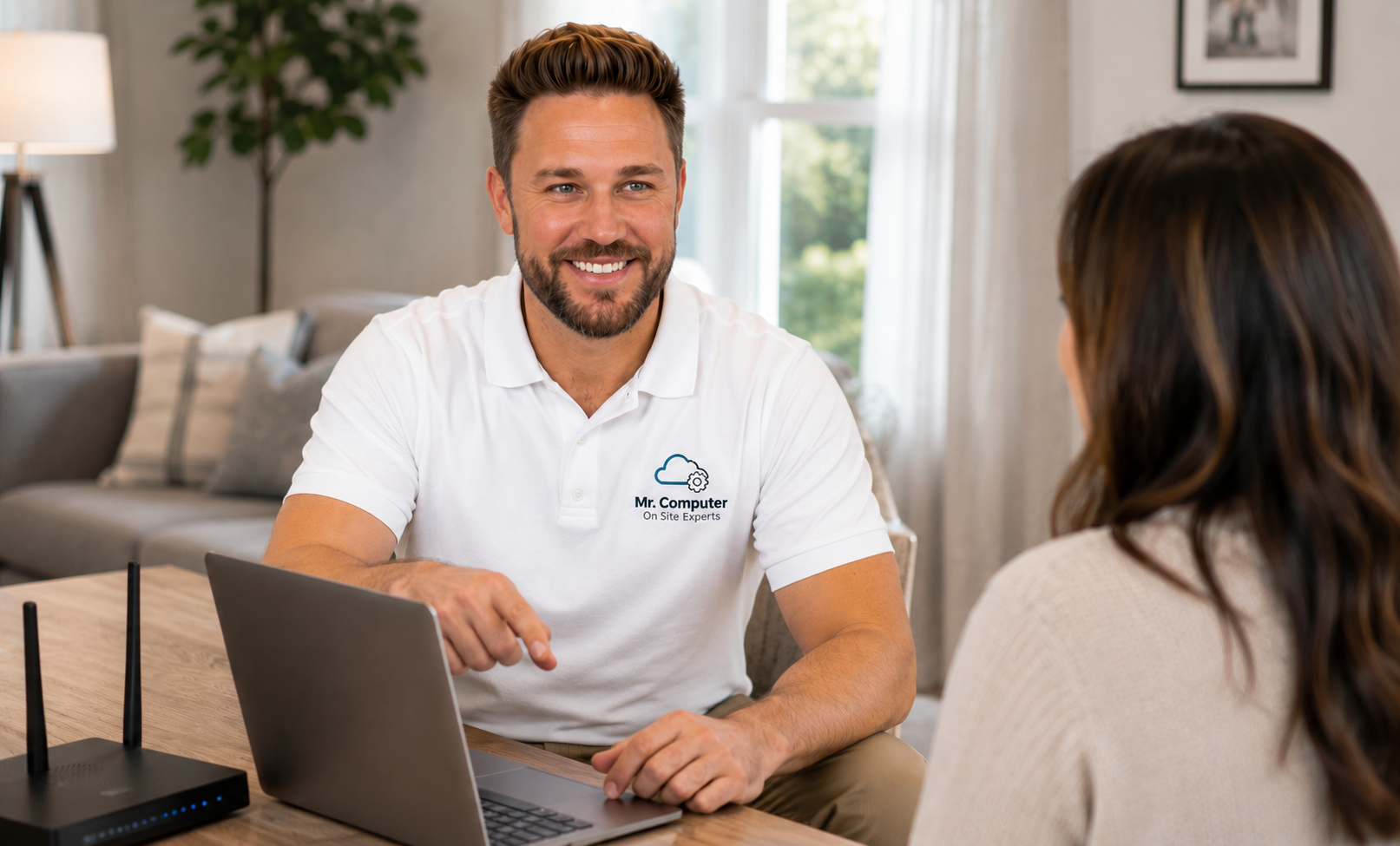
I am Jeremy Zuther, a sole proprietor based in Allen. I have been helping neighbors with computers since 1999, including a lot of visits arranged by adult children who live across town or out of state. The work is on site, in plain English, with no hard sell. Here is how those appointments work, what I typically set up, and a few practical details that make the visit go smoothly.
What In-Home Computer Help for Seniors Usually Covers
Every household is different, but the requests tend to fall into a handful of categories. I can handle them together in one visit when that makes sense.
- Setting up a new computer, or making an existing one easier to see, hear and use.
- Getting email working, often in a familiar browser or in classic Outlook.
- Connecting a printer so a letter or a photo can actually come out of it.
- Showing how to make a video call, open photos, or find a saved file.
- Reviewing scam risks, passwords and the pop-ups that tell someone to "call Microsoft."
The goal is not to turn anyone into a technician. It is to leave the computer understandable, with a few written notes if that helps, so everyday tasks feel possible again. That is the same spirit as the rest of my computer support: practical help, explained clearly.
How Adult Children Can Arrange the Visit
You do not have to be in the house to get the process started. Many sons and daughters call me first, describe what is going on, and schedule a time that works for the person who lives there.
Two details from how I actually work matter here. Someone 18 or older must be present at the location for the duration of the service call. And if the person at the house is not the one paying, payment can be arranged in advance. Families do this all the time. It keeps the visit from getting awkward at the end, and it lets a parent receive help without having to handle a bill they were not expecting.
Cash or check is preferred. If a card is needed, payment can usually go through PayPal, with the processing fee added to the total. I will not surprise anyone with a contract or a pile of add-on equipment they do not need.

Making the Computer, Email and Printer Easier to Live With
A senior computer setup is often less about new features and more about removing friction. Text that is too small, a desktop covered in leftover icons, a mailbox that no longer signs in, or a printer that "was working last month" can make a capable person feel like the machine has turned against them.
On a typical visit I may enlarge display settings, tidy the desktop, confirm the browser opens to something familiar, and test email send and receive. If a printer is in the house, I will look at wireless or USB connections, drivers and the Windows print queue. Setup and connection I can do. I do not repair broken printer hardware, such as a failed print head or fuser, and I will say so if that is the real problem. For everyday connection issues, printer support is often a short, useful part of the same appointment.
If the computer itself is the problem, we can talk about a tune-up, a move to a new PC, or whether the current one is still a good fit. I support Windows 10 and prefer Windows 11. I do not support Windows 8 or older. If a replacement is the honest answer, I can help choose a machine and move documents, photos, email, contacts and bookmarks. Programs have to be reinstalled; they do not copy over like files.
Scam Protection Matters as Much as the Setup
The call I never get tired of preventing is the one that starts with a pop-up or a phone call about a "virus" and ends with a stranger controlling the computer. Fake warnings, password-reset emails and people posing as a bank, Microsoft or a grandchild are common. They target everyone, and they can be especially convincing if someone is already anxious about the computer.
During a visit I can review the machine for leftover remote-access tools, clean up suspicious programs, and walk through a few simple rules: do not call a number that appears in a pop-up, do not give a stranger control of the PC, and do not type banking passwords while a warning is on the screen. If something already happened, stop and disconnect or shut the computer down, then call. My cybersecurity and scam-response services are built for that situation.
I can help secure accounts when recovery access is available, update passwords and turn on two-step verification where it makes sense. I cannot recover stolen money, force a bank to reverse a charge, or guarantee that a locked email or social media account will be restored. Those limits are real, and I will not pretend otherwise.
What a Patient On-Site Visit Looks Like
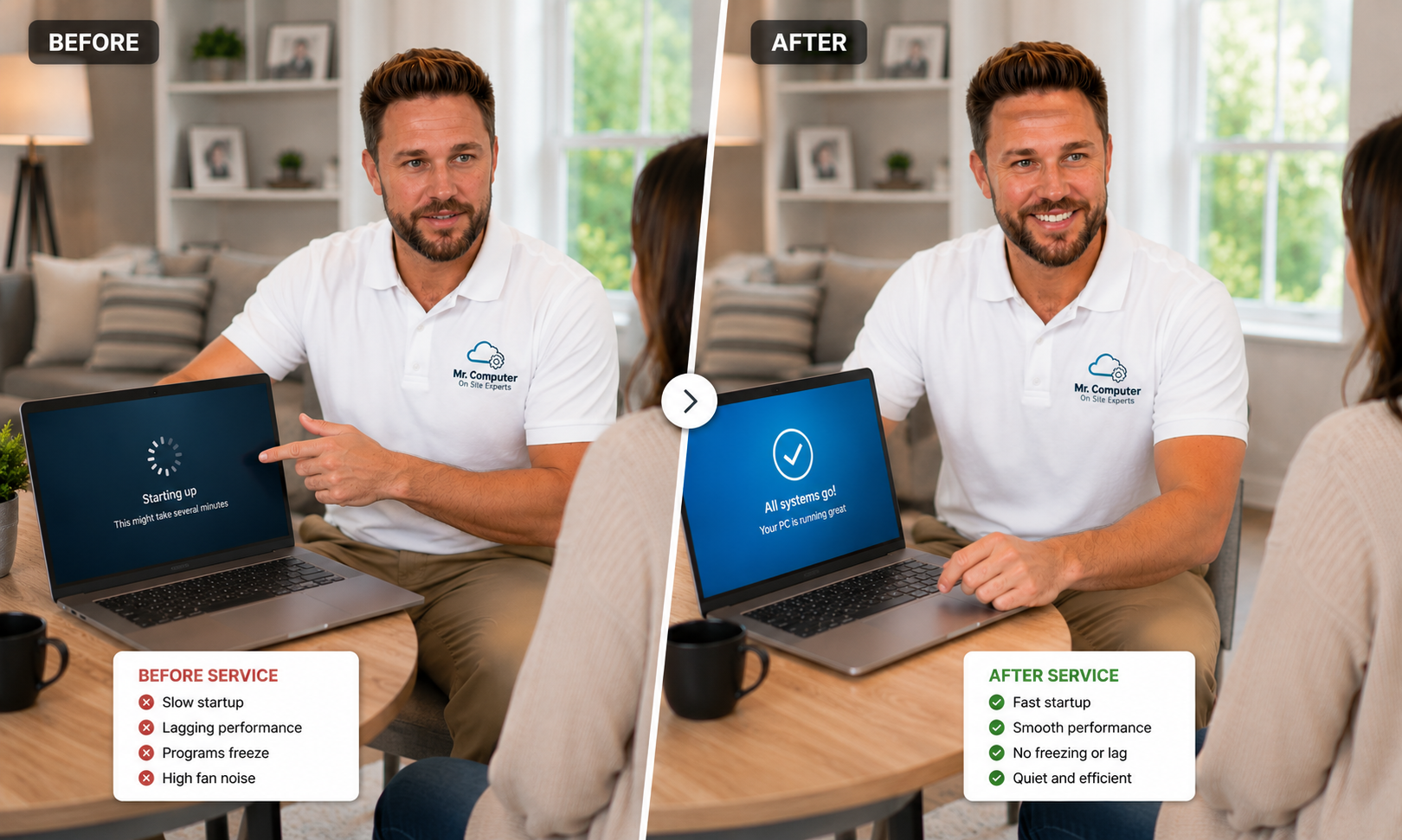
I come to the home. I listen first. Then I work on the computer in the room, explain what I am doing in plain English, and leave time for questions. Same-day or next-day service is often available. Most work is done on site, because printers, WiFi and "show me how" help are hard to finish well from somewhere else.
I may leave short written steps for the two or three tasks that matter most, such as how to print or how to open email. I will not bury anyone in jargon, and I will not upsell a pile of software "just in case."
Common Questions
Can I stay on the phone or join by video during the appointment?
Often, yes, especially if you arranged the visit and want to hear the wrap-up. Someone 18 or older still needs to be present in the home. If you will be there in person, that is even better.
My parent is embarrassed to ask for help. Will this feel like a lecture?
No. I do this work all the time, and the tone is practical, not scolding. The computer should feel simpler when I leave.
What if they need help again later?
Call. There is no required monthly contract. Some families schedule a follow-up after a new computer or a scare; others only call when something breaks. Either is fine.
If you would like patient, in-home help for a parent or grandparent, call 469-261-7000 or book an appointment. We can arrange the time and, if needed, the payment in advance, then take care of the computer in person.