
Computer Repair in Allen, TX: What an On-Site Visit Actually Covers
When people search for computer repair in Allen, TX, they usually want two things: someone who can actually fix the problem, and someone who will explain it in plain English. I've been doing on-site computer work in Allen and the surrounding area since 1999, and most of my calls start the same way: "I'm not even sure how to describe what it's doing." That's fine. Describing it is my job.
This post walks through what an on-site computer repair visit really looks like, what I can handle at your kitchen table or office desk, and what falls outside the scope of a house call. If you're deciding whether to haul a computer somewhere or have someone come to you, this should help.
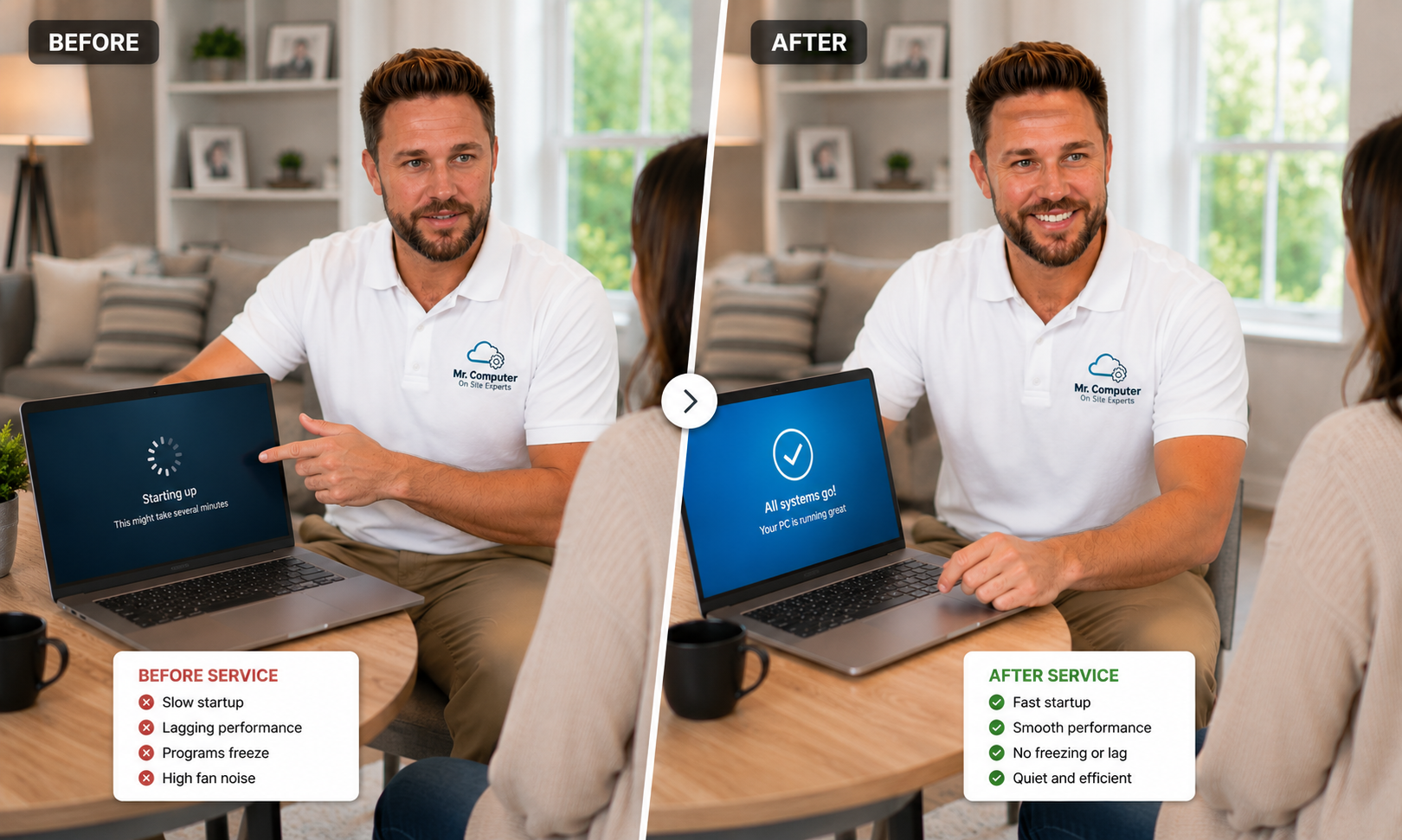
Why On-Site Computer Repair Makes Sense
A computer rarely fails by itself. It's connected to your WiFi, your printer, your email, your cloud storage and sometimes a whole office network. When I come to you, I can see the full picture: the router in the closet, the printer that stopped showing up, the second computer that has the same problem. Dropping off a tower at a store separates the computer from the environment that's often causing the trouble.
On-site service also means you don't have to unplug everything, load it into the car and wait days for a call back. Same-day or next-day service is often available, and most work is done right there while you watch, or while you get on with your day.
Mr. Computer is not a call center
Mr. Computer is a sole proprietorship. In most cases I'm the person who answers your questions, comes on site, diagnoses the problem, does the work and explains what changed. You're not getting a rotating technician or a national chain. For larger cabling or network installations I may bring a trusted helper, but everyday computer repair is me.
What a Typical Visit Looks Like
Every call is a little different, but the process is consistent:
- You tell me what's going on. Call or book online and describe the problem in your own words. "It's slow." "It keeps freezing." "The printer disappeared." That's enough to start.
- I ask a few questions. What is it doing? How long has it been happening? Is it constant or occasional? How old is the computer? Those four answers narrow things down quickly.
- I diagnose the actual cause. I don't click around and hope. I look at startup programs, updates, drive health, security, and the network the computer depends on.
- I fix what matters. No unnecessary parts, no upsell for things you didn't ask for.
- You get a clear explanation. You should understand what was done without needing to be technical.

Common Computer Problems I Fix in Allen Homes and Offices
Most of what I see falls into a handful of categories. You can browse the full list on my computer support page, but here are the big ones:
- Slow or freezing computers. Usually bogged-down startup software, malware, an aging mechanical hard drive, or Windows problems. I wrote more about this on the slow computer page.
- Pop-ups, viruses and scam warnings. Fake "call Microsoft" alerts, hijacked browsers and unwanted remote access tools.
- New computer setup and data migration. Moving files, email, contacts, bookmarks and settings from the old machine to the new one.
- Email and Outlook problems. Accounts that won't sync, passwords that stopped working, Microsoft 365 installs.
- Printers and scanners. The computer can't see the printer, scanning stopped working, or a new printer won't join WiFi.
- WiFi and network issues. Sometimes the "slow computer" is really a weak WiFi signal.
- Data recovery. Getting files off a computer that won't boot or is too unstable to use.
Windows and Mac support
I work on Windows 10 and Windows 11 computers, with a preference for Windows 11 when possible. I also help with Apple computers. I don't support Windows 8 or older, because too many modern programs, websites and security tools no longer work properly on those systems.
What a House Call Doesn't Cover
Being upfront about limits saves everyone time. Here's what I don't do:
- Physical damage repair. I don't replace cracked laptop screens, phone screens or laptop DC power jacks.
- Phones with broken hardware. I can help with settings and connections, but not physical phone repair.
- Physically failed hard drives. If a drive is clicking, water-damaged or not detected at all, it needs a specialty recovery lab.
- Printer hardware repair. I fix setup and connection problems, not worn fusers or print heads.
- Your internet provider's lines. I work on everything after the provider's modem. If the outside line is the problem, the provider has to fix it.
If you call and it sounds like something outside my scope, I'll tell you so before anyone drives anywhere.

Repair or Replace? An Honest Answer
One of the most useful things I do on a repair call is tell you whether the computer is worth fixing. Sometimes a cleanup and an SSD upgrade make an older computer feel new again. Other times the machine is too old to run current Windows well, and putting money into it doesn't make sense. Either way, you get a straight recommendation, not a sales pitch. If replacement is the better call, I can help you choose a new computer, set it up and move your data over.
Serving Allen and the Rest of Collin County
Mr. Computer is based in Allen, and Allen is home turf. You can read more on my Allen computer services page. I also serve Plano, McKinney, Frisco, Fairview, Lucas, Parker, Murphy, Wylie, Richardson and most of Dallas and Collin County.
Customers often tell me they called because they wanted a real person who knows what they're doing, not a script. That's what Mr. Computer has been about since 1999, and it's a big part of why my neighbors have left more than 300 five-star reviews.
How to Get Help
If your computer is acting up, the easiest first step is to call and describe what you're seeing. I can usually tell you right away whether it sounds like an on-site visit, a remote session, or something outside my scope.
Call 469-261-7000 or book an appointment online, and let's get your computer working the way it should.