
Computer Won't Boot? How to Get Your Files Back (and What Not to Do)
There's a specific kind of panic that comes with a computer that won't boot. It's not really about the computer. It's about what's on it: family photos, years of documents, business records, tax files. If your computer won't start and you don't have a recent backup, the most important thing you can do right now is slow down.
Data recovery from a computer that won't boot is often very doable, but the steps you take in the next few hours can make the difference. Here's what to do, what not to do, and what's realistic to recover.
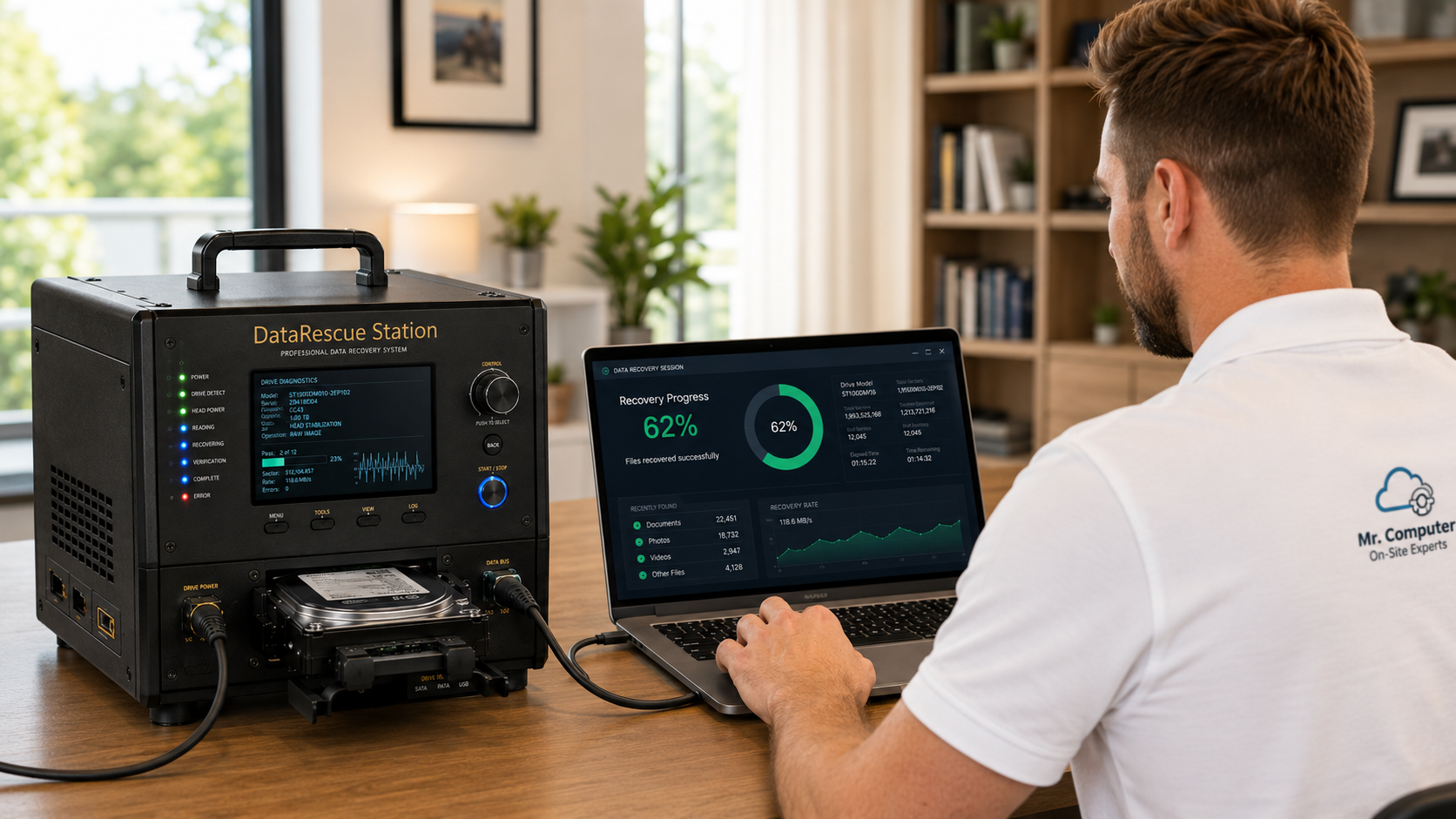
First: What Not to Do
When a drive is starting to fail, every restart and every repair attempt puts more wear on it. Please avoid these common mistakes:
- Don't keep restarting the computer. If it's failing to boot because the drive is struggling, repeated restarts can make things worse.
- Don't install recovery software on the problem drive. Installing programs writes new data to the same drive you're trying to recover from.
- Don't run repair after repair. Windows repair tools and resets can overwrite the very files you want back.
- Don't hand it to just anyone. An inexperienced technician can reduce the chance of getting your files back.
The best first move is simple: stop using the computer and call someone who does this regularly.
Why Computers Stop Booting
A computer that won't start isn't always a dead drive. Common causes include:
- A failing internal hard drive or SSD
- Corrupted Windows files after an update or power loss
- Malware that damaged the operating system
- A computer so slow and unstable it never fully loads
- Other hardware failures where the drive itself is still fine
In many of these cases, the files are still sitting on the internal drive, perfectly readable. The computer just can't get far enough to show them to you.
How On-Site Data Recovery Works
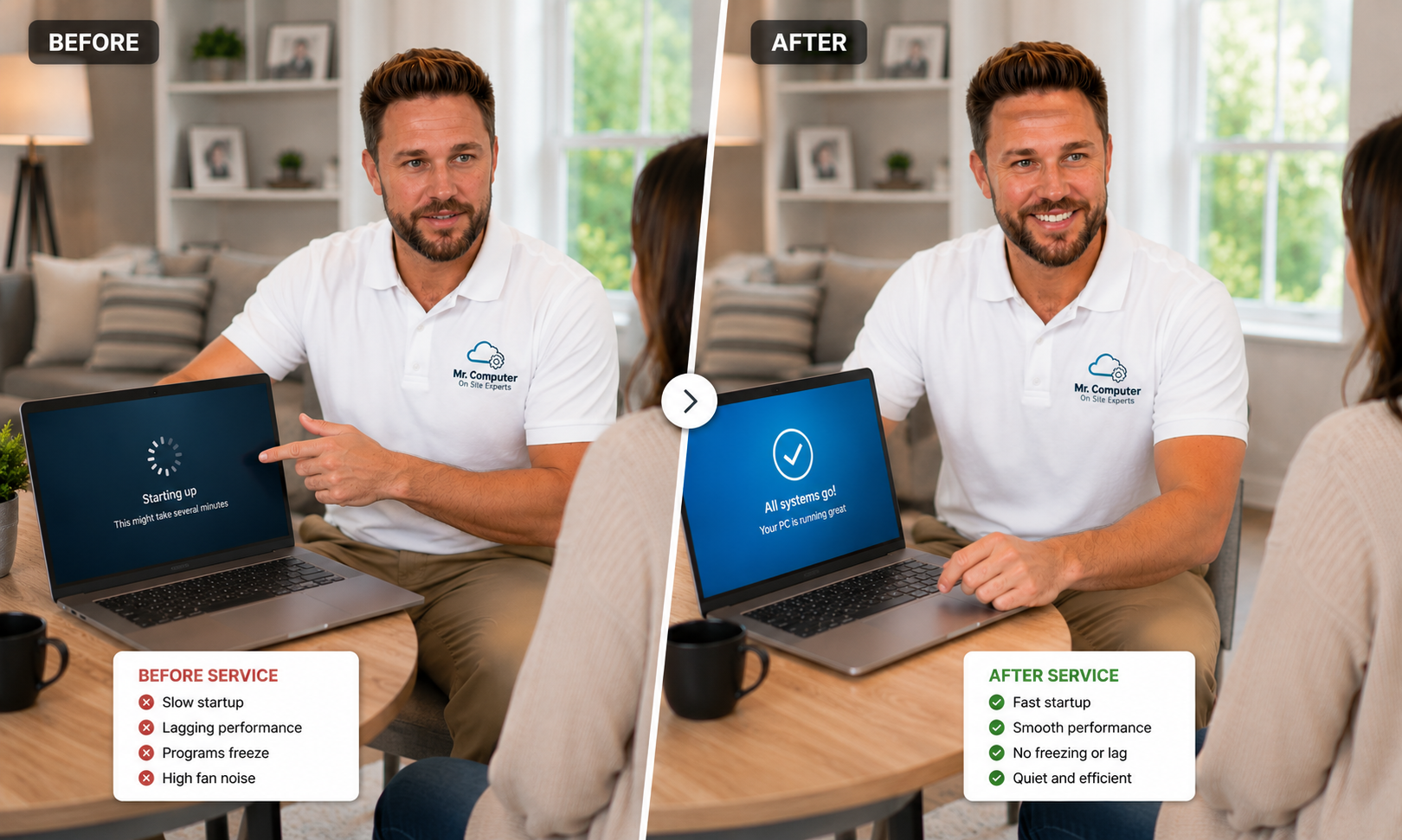
My data recovery service focuses on internal computer drives from computers that won't boot, barely run, or can't access files normally. When the drive is still electronically readable, I can usually pull the data off right there during the service call, without shipping anything away.
The process looks like this:
- Assess the computer and drive. I figure out whether the drive is readable and what condition it's in.
- Extract your files. Documents, pictures, email data, financial files and anything else you need.
- Copy them to a safe destination. If you don't have an external drive, I can provide one.
- Help you decide what's next. Repair the old computer, or set up a new one and move the recovered files onto it.
95% of my recoveries are completed on site in 1.5 hours or less.
When a recovery takes longer
Occasionally a drive needs a long, slow scan. In that case I may take the drive back to the bench, finish the recovery there and return the recovered data. About 60% of bench recoveries come back within 24 hours, and about 90% within 48 hours, depending on drive health, size and how much data there is. Bench recovery labor is capped at three hours.
What Can't Be Recovered This Way
Honesty matters here, because the wrong expectations waste time you may not have. I don't:
- Rebuild physically failed drives or open drives in a clean room
- Recover from drives making a repeating clicking noise
- Recover from water-damaged drives
- Recover from drives that aren't detected at all
- Recover from failed external hard drives, USB flash drives or SD cards
- Recover phone data or RAID configurations
- Recover deleted files, altered files or ransomware-encrypted files
Those situations need a specialty data recovery lab that can physically rebuild drives. If I check your computer and it falls into one of those categories, I'll tell you plainly so you can decide your next step quickly.
Signs You Should Stop and Call Now
- The computer shows an error about no boot device or a missing drive
- It gets stuck on the logo or a repair screen over and over
- It's become extremely slow and freezes when you open files
- You hear new noises from inside the computer
- Files or folders suddenly won't open or seem corrupted
Any of those can mean the drive is struggling. Getting your data off sooner rather than later is almost always the smart move.
After the Recovery: Don't Let It Happen Again
Once your files are safe, it's worth setting up a backup so you never have to go through this again. A simple automatic backup to an external drive, a cloud service, or both, means a dead computer becomes an inconvenience instead of a crisis.
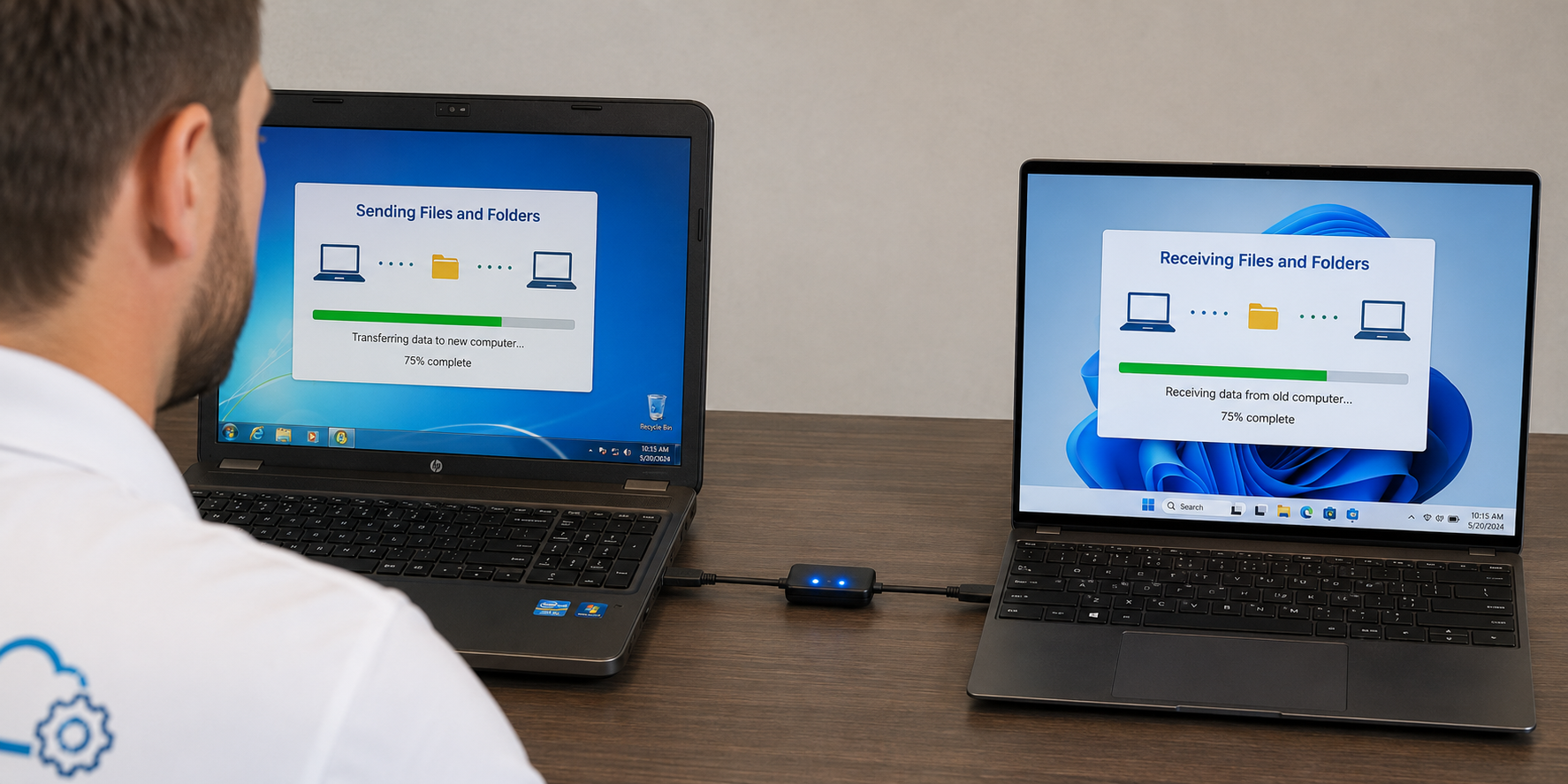
If the old computer isn't worth repairing, I can set up a new one and move your recovered files, email and settings over. My computer setup and data migration service picks up right where the recovery leaves off.
Local Data Recovery in Allen and Collin County
Most customers don't need to send their computer away or wait days for answers. I handle data recovery for homes and small businesses across Dallas and Collin County, and most of it happens right at your kitchen table or office desk. More details for my home area are on my Allen data recovery page.
Common Questions
Can you recover files from a laptop that won't turn on?
Often, yes. If the internal drive is still readable, the files can usually be pulled off even when the laptop itself won't start. On some laptops I may also be able to replace a faulty internal drive, depending on the situation.
Do I need to bring the computer to you?
No. Data recovery is usually done at your home or office during the service call. Only the rare long recovery goes back to the bench.
Don't Wait
If your computer won't boot and your files matter, stop using it and call me before the situation gets worse. Call 469-261-7000 or book through the site, and let's see what we can get back.