
Email Account Hacked? A Step-by-Step Recovery Checklist
If you think your email account was hacked, here is what to do first: slow down. Do not keep logging into banking, shopping or email on a computer you no longer trust. Do not type more passwords while a scammer might still be watching. A calm, ordered checklist will do more for you than clicking through panic.

I am Jeremy Zuther of Mr. Computer in Allen. A large part of my cybersecurity work is helping after a pop-up, a remote-access scam, or a suspicious login alert. I can help secure devices and accounts when recovery access is available. I cannot recover stolen money or force a bank or website to undo a transfer. Here is the sequence I want you to follow, and where a technician fits in.
Email Account Hacked: What to Do in the First Few Minutes
Start with safety, not with cleanup tools.
- If a stranger is remotely connected right now, or you just allowed someone to take control of the computer, disconnect from the internet or shut the machine down. Then call for help. Do not keep following their instructions.
- Stop using that computer for banking, email password changes or anything financial until it has been checked.
- From a different device you trust, such as a phone that was not part of the incident, sign in to the email account if you still can.
- Change the email password from that safe device, and turn on two-step verification if it is not already on.
- Look at recent security activity, recovery phone numbers and recovery email addresses. If those were changed, fix them before you do anything else.
Email is usually the first account to lock down because it is the key to resetting passwords almost everywhere else. If someone else still has the mailbox, they can often reach banking, shopping, cloud storage and other logins.
Check for a Suspicious Email Forwarding Rule
This step is easy to skip and important not to. A compromised mailbox may look almost normal because the attacker added a forwarding rule or a filter you did not create. New mail, or mail from a bank or a vendor, can quietly copy to another address.
In Gmail, Microsoft 365, Outlook on the web, Yahoo and many other providers, open the settings for forwarding, filters and inbox rules. Delete anything you do not recognize. Then check whether a new recovery phone, recovery email or app sign-in was added.
Also look at sent mail and trash. Unexpected password-reset messages, odd invoices or mail you did not write are clues, not proof by themselves. Write down what you see so you can share it later with your bank or with a technician.

Secure a Hacked Microsoft Account and the Other Logins That Depend on It
If the compromised account is a Microsoft account, it may control Outlook, OneDrive, Microsoft 365 and the sign-in on a Windows PC. Change that password from a safe device, review recent sign-ins, and confirm two-step verification is on. Then think about every place that mailbox can reset:
- Banking and credit cards.
- Shopping and payment apps.
- Cloud storage, such as OneDrive, Google Drive or Dropbox.
- Social media, Apple ID or Google accounts, if those used the same inbox for recovery.
- Work tools, including Teams or a company Microsoft 365 tenant.
If you reuse passwords, assume those other accounts are at risk too. Change the important ones from a device you trust, and stop reusing the old password. A password manager can help, but only after the computer itself is in a safer state.
My cybersecurity services include this kind of account review, along with password help, two-step verification and a look at whether remote-access tools were left on the PC. If you are in or near Allen, I also have a local page for Allen cybersecurity and scammer-response services.
What a Technician Can Do, and What Belongs With Your Bank
Once the immediate leaking has been slowed down, it is worth having the computer inspected. I look for malware, leftover remote-access programs, browser changes and signs of compromise, then help you update passwords and tighten settings on the accounts you can still reach. Email and Microsoft 365 help is often part of the same visit when Outlook, forwarding rules or a Microsoft account is involved.
Here is the honest limit: I cannot recover stolen money. I cannot force a bank, card issuer or payment platform to reverse a charge. I cannot guarantee that a locked email or social media account will be restored. If money moved, call your bank or card company from a number you already know, not from a number in a pop-up or an email. If an account is locked and the recovery phone or recovery email is no longer yours, the provider decides whether recovery is possible. I cannot override that.
Those limits are not a brush-off. They are the difference between useful work and a promise nobody can keep.
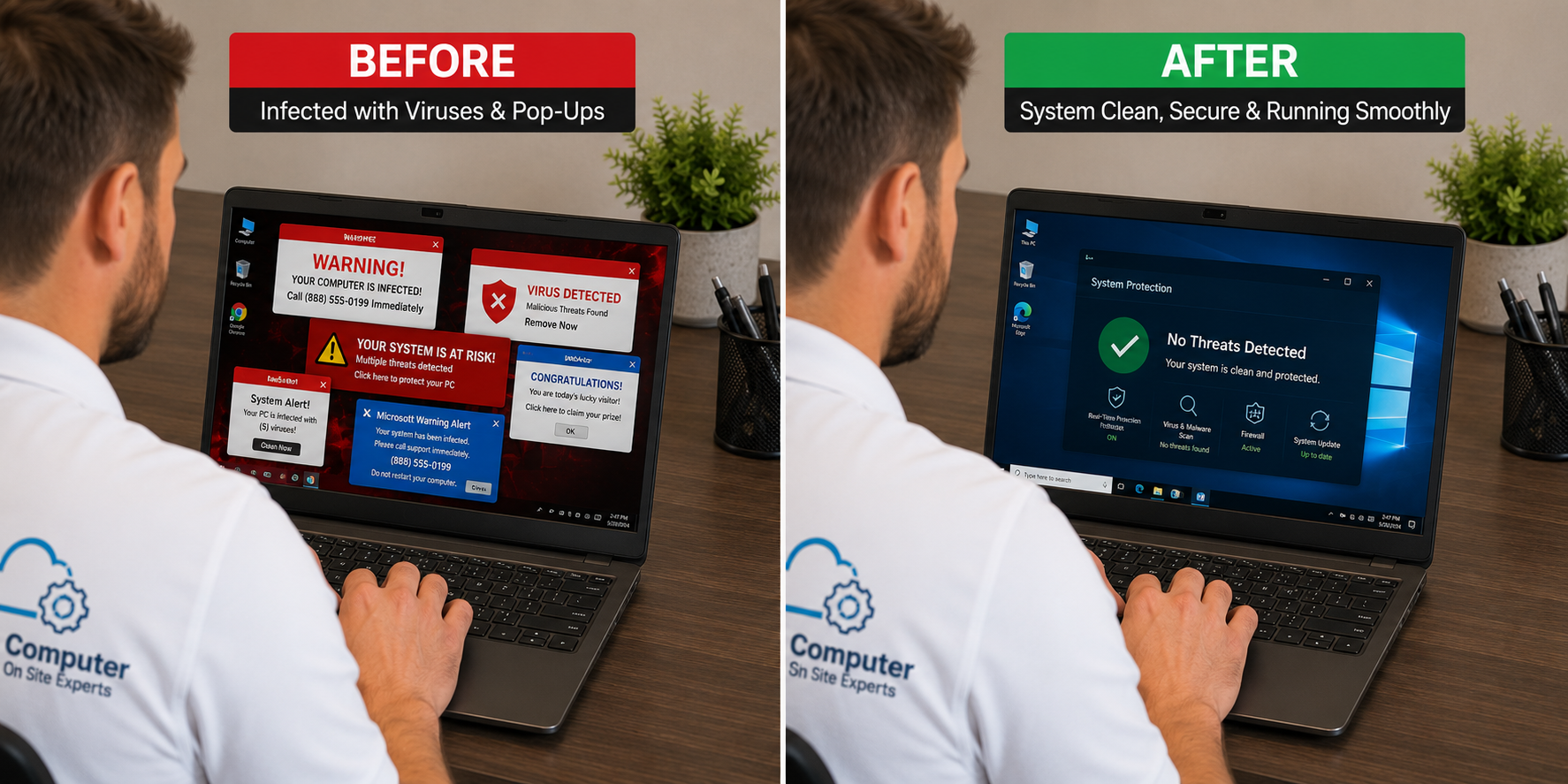
After the Immediate Crisis
When the mailbox is back under your control and the computer has been checked, spend a little time on the habits that reduce the next scare:
- Use unique passwords for email and banking, and turn on two-step verification.
- Be skeptical of urgent messages about invoices, deliveries or locked accounts, even when they look familiar.
- Keep a current backup of important files, so a later problem does not take the documents too.
- Do not call a number that appears in a warning on the screen.
Same-day or next-day service is often available, and after-hours help can be scheduled when it is available if the situation cannot wait. If a scammer is connected right now, shut the computer down or disconnect it first, then call.
Common Questions
I already typed my bank password on the infected computer. Now what?
From a different device, change that bank password and call the bank using a number from your statement or the back of your card. Mention that the password may have been entered on a computer you no longer trust. Then get the PC inspected before you use it for financial logins again.
The email account is locked and I cannot get in.
Use the provider's official account-recovery process. Success depends on whether you still control the recovery phone or recovery email. A technician can walk through that process with you, but cannot force the provider to reopen the account.
Should I keep using the same computer?
Often yes, after it has been cleaned and reviewed. A new computer is not automatically required. If the machine was already failing for other reasons, we can talk about that separately, in plain English.
If you would like help working this checklist in person, call 469-261-7000 or book an appointment. We will start with what to stop doing, then secure what we can and be clear about what has to go through your bank or email provider.