
Emergency Computer Help After Hours: When It's Worth It and How It Works
When people search for emergency computer repair in Dallas, they are usually staring at a situation that will not wait until they feel like calling. The office cannot take payments, email is down, or a scammer may have just been on the computer. Sometimes that urgency is real. Sometimes the better move is to secure the machine and schedule regular service, which is often available the same day or the next day.
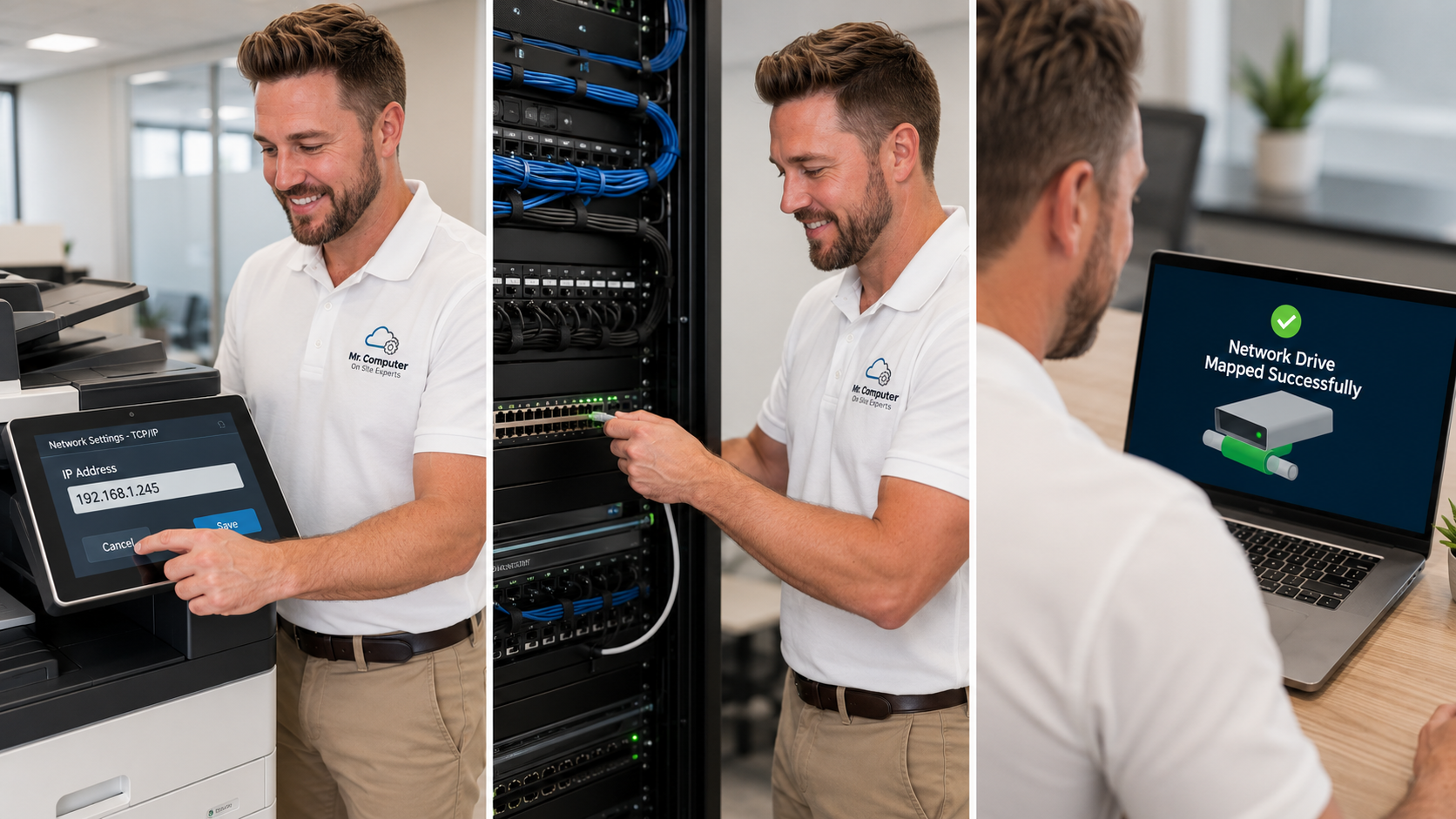
I am Jeremy Zuther of Mr. Computer, based in Allen. I offer after-hours and weekend help when I am available, at published emergency rates, and I would rather you know how that works before you need it. Most customers do not need those rates. About 99% of customers pay the regular business-hour rate. This post is about deciding which side of that line you are on, and what happens when you call.
When Emergency Computer Repair in Dallas Is Worth the After-Hours Rate
Emergency service is not a different kind of repair. It is the same computer, network, printer, email, cybersecurity and small-business IT work, requested outside normal service hours. The rate is higher because of when the work happens, not because the problem has a special name.
After-hours help is worth considering when waiting will cost more than the rate, or when delay itself is a risk:
- A business that cannot work, take orders, print, reach email or get online until the problem is fixed.
- Office internet, WiFi or network trouble that has stopped a whole staff, not just one inconvenient machine.
- A computer or account that may have been compromised, especially if a scammer had remote access, or if banking and email passwords may have been exposed.
- A situation where you have already disconnected or shut the computer down, and you need someone to inspect it before it is safe to use again.
If a stranger is connected to the computer right now, do not wait on the scheduling details. Disconnect from the internet or shut the machine down, then call. That first step matters more than the clock.
When Regular Hours, or Same-Day Computer Repair, Is the Better Call
Plenty of problems feel urgent in the evening and are still a good fit for regular hours. A slow computer, a new-PC setup, a printer that can wait until morning, a WiFi annoyance in one room, or a file-transfer project is usually better scheduled during the normal day, when the regular rate applies and same-day or next-day service is often available.
If the business can open in the morning with a workaround, or the personal computer is frustrating but not holding financial or email access hostage, after-hours service is often not worth it. I will tell you that on the phone if that is the honest answer. There is no benefit to me in talking you into a night visit you do not need.

How After-Hours IT Support Is Scheduled
The sequence is straightforward:
- You call 469-261-7000 and describe what is happening, including whether a business is down or an account may be compromised.
- I check whether emergency or evening service is available at that time. It is almost always available. It is not guaranteed.
- I confirm the rate that would apply, based on the day and time, and I do not start until that is clear.
- If we go ahead, I come on site, or use remote support only if the problem is a good fit for it, and we get to work.
Remote support is best for certain software and email problems when the computer is otherwise healthy. It is a poor fit for WiFi, printers, cabling or hardware, and it is often a poor fit for a machine that may be compromised. Most urgent work is still done on site.
The published rates are on my emergency rates page and the main pricing page. In short, regular service covers Monday through Thursday 9am to 5pm and Friday 11am to 3pm. A semi-emergency rate applies Monday through Thursday 5pm to 9pm and Saturday 11am to 3pm, and an emergency rate applies on Sundays and overnight from 9pm to 6am. After-hours service is scheduled when available and has a one-hour minimum. Jobs that need two people, such as cabling through walls, are billed as two-person labor. I confirm the rate with you before any after-hours work starts.
Urgent Business IT Help, and What I Can and Cannot Do
For a small office, the "we cannot work" list is usually specific: workstations, a central printer, office WiFi, Microsoft 365, or a shared folder. That is ordinary small-business IT on an after-hours clock. I will aim to get you operating again and explain what I found in plain English before I leave.
If the emergency is a compromised computer or mailbox, I can inspect the device, look for remote-access tools, help you change passwords from a safer posture, and tighten the accounts you can still reach. I cannot recover stolen money, force a bank or platform to reverse a charge, or guarantee that a locked email or social media account will be restored. Emergency availability itself is not guaranteed. I also cannot promise that a repaired system will never have another problem.

A Simple Way to Decide Tonight
Ask yourself three questions:
- Is the business, or a critical personal account, actually stuck until this is fixed?
- Is there a safe temporary step, such as shutting the computer down, using a phone, or waiting for morning, that does not make the problem worse?
- Would same-day or next-day regular service, at the regular rate, be enough if I can get on the schedule promptly?
If the first answer is yes and the safe delay is no, it is reasonable to ask about after-hours service. If a short wait is safe, we will try to get you in during regular hours.
Common Questions
Is emergency service always available on Sunday night?
It is almost always available, and it is not guaranteed. The only way to know is to call. I will not book a slot I cannot keep.
Do I pay the emergency rate if we talked at night but you come out the next morning?
The rate follows when the service is requested and performed. If we schedule regular-hour service for the next day, the regular rate applies. If we work that night, the night rate applies. I will confirm that before we start.
Should I try more fixes myself first?
If you suspect a scam or a remote connection, stop and disconnect or shut down. For a business outage, a quick reboot of a modem is reasonable. Repeated experiments on a failing drive or a possibly compromised PC can make things worse.
If you need help deciding whether to wait or to request after-hours service, call 469-261-7000. You can also book a regular appointment on the site when the problem can wait for normal hours. Either way, we will be clear about availability, the rate, and what the visit can actually accomplish.