
Ethernet Cabling for Homes and Offices: Wall Jacks, Patch Panels and Network Closets
WiFi is convenient, but it is not always the right tool. If you need reliable Ethernet cable installation in Dallas or the surrounding North Texas cities, you probably already know the symptoms: a work desk that drops during video calls, a TV that buffers in the back room, cameras that go offline, or an office where shared drives and printers feel fragile. A clean wired run to the places that matter can be more dependable than another range extender.

I am Jeremy Zuther of Mr. Computer, based in Allen. I install and repair Ethernet cabling for homes and offices, and I may bring trusted helpers for cabling, structured media and larger network installs. This is not a hard sell for wiring every room. It is a practical look at when hardwiring beats WiFi, what a complete job includes, and why a run through a finished house takes more labor than a run above a drop ceiling.
When Ethernet Cable Installation in Dallas Beats Relying on WiFi
WiFi is the right way to cover phones, tablets and the rooms you walk through. A wired connection is often the better choice for anything that stays in one place and needs a steady link:
- A home-office desk, especially for video calls or large file transfers.
- A smart TV, streaming box or home theater that sits far from the router.
- Office computers that use shared folders, mapped drives or a central printer.
- Access points for a professionally installed mesh WiFi system, so the wireless network has a solid backbone.
- Cameras or other devices that sit at the edge of wireless coverage.
I also troubleshoot and improve WiFi itself. Wiring and wireless work together. The point of a cabling visit is not to replace WiFi; it is to give the network a stable path where wireless keeps falling short. That work lives under my WiFi service and installation page, along with routers, switches, firewalls and mesh design.
What a Clean Cabling Job Includes
A finished install is more than a cable stuffed into an attic. A clean job usually includes some combination of the following:
- New cable runs to the rooms or desks that need them, or repairs to wiring that is already in the walls.
- Proper terminations, so each end is punched down or connectorized correctly and actually passes data.
- Wall plates and jacks that sit flush and are labeled in a way a person can understand later.
- A patch panel, so those runs land in an organized row instead of a knot of cables.
- A switch, and in many offices a rack, to connect everything neatly.
- Cleanup of a structured media enclosure, the network box found in many newer homes.
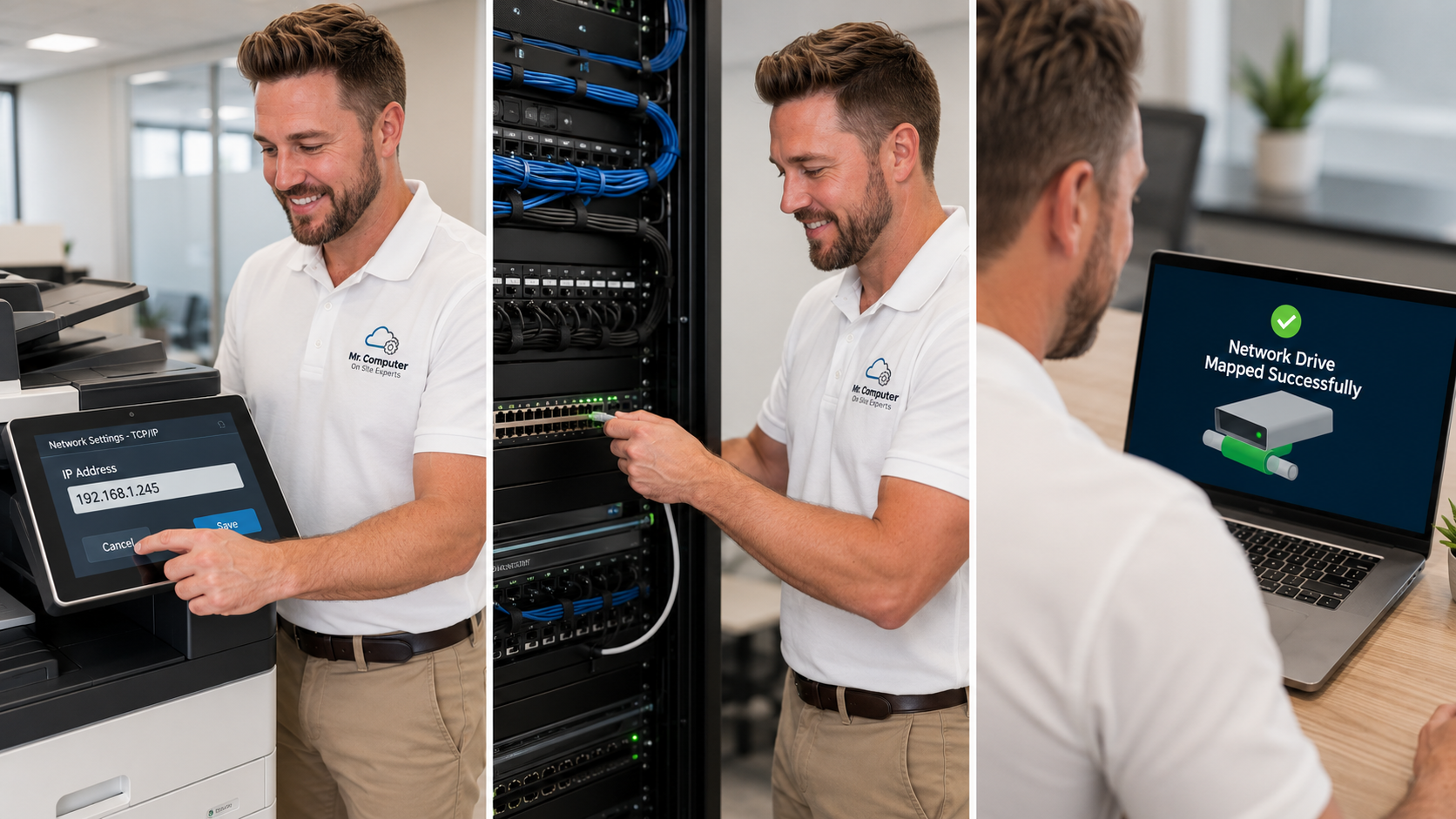
Plenty of Dallas-area houses already have Ethernet behind the walls that was never finished. The wires may be coiled in a box in the utility room, unlabeled, or punched down poorly. I can terminate those existing runs, activate the useful jacks, add a switch, mount the modem and router, and turn a messy enclosure into something you can live with. That is often less work than pulling brand-new cable, and it can support a better wireless system as well.
Why Home Cable Runs Take More Labor Than Office Drop-Ceiling Runs
People are often surprised that a single new run in a house can take more time than a similar run in an office. The reason is access, not the cable itself.
In a finished home, the path may go through insulation, fire blocks, tight attic spaces, framing and painted walls that you do not want to tear up. Fishing a cable cleanly through that takes time. Brick and stone can limit some installs. That labor is real, and it is the main reason a residential run takes more time than people expect.
In many offices, a drop ceiling gives a much easier path. Commercial drop-ceiling runs are often much less laborious than residential runs. You can see typical figures on my WiFi and network services page, but those are averages, not a quote for every building. Pricing still depends on distance, wall materials, attic or ceiling access, and how much finishing work the job needs.
Offices also tend to want patch panels, racks and cable management in a closet, which is a different kind of work: organized, labeled and ready for the next computer or printer to be added. That kind of infrastructure is a regular part of small-business IT as well as home-office projects.
What I Do Not Do
Honesty about limits saves everyone time. I work after the internet provider's modem. I do not troubleshoot the provider's outside lines or the wiring that feeds the modem before your network begins. If the incoming service is the problem, the ISP has to fix that part.
I do not perform high-voltage electrical work. If a new 110-volt outlet is needed for a rack or a media cabinet, an electrician is the right call. I also do not work on alarm systems. And I will not promise that every wall on a property can be fished; some construction simply does not allow a hidden run.

What an On-Site Cabling Visit Looks Like
We start with how you actually use the space: where the desks, TVs and office equipment sit, and where WiFi already fails. I look at existing wiring, the structured media box or closet, and the path a new run would take. Then I explain what is practical, what is not, and what can be done with the wires you already have.
Same-day or next-day service is often available for troubleshooting and smaller jobs. Larger installs are scheduled so the work can be done carefully. I handle this work across Dallas and nearby cities; there is a Dallas service page if you want the local overview.
Common Questions
Can I just use a WiFi extender instead?
Sometimes an extender is a short-term patch. In a larger home or office, extenders often rebroadcast a weak signal and create new problems. A wired drop, or a mesh system with a wired backbone, is usually more stable for the rooms that matter.
Do you only wire new construction?
No. Most of the calls are existing homes and offices that need a jack, a closet cleanup, or a finished media enclosure.
Will this require a monthly contract?
No. Cabling and network work is billed as a job, with no required monthly contract.
If you want a clean Ethernet install, a finished network box, or an honest opinion about whether wiring or a wireless upgrade is the better next step, call 469-261-7000 or book an appointment. We can walk the property and plan a job that actually matches the way you use the space.