IT Support for Medical, Legal and Accounting Offices in Frisco and North Dallas
Professional practices looking for IT support for small offices in Frisco and North Dallas tend to have the same working day, even when the work itself is different. The front desk needs the scanner. Someone is in Outlook. A shared folder will not open. A guest or exam-room connection drops. Client or patient information is on those systems, so a "we'll get to it later" outage is not a small inconvenience.
I am Jeremy Zuther of Mr. Computer, a sole proprietor based in Allen. I provide on-site, hourly IT help for medical, legal and accounting offices, with no required monthly contract and no hard sell. I also offer managed IT when an ongoing arrangement makes more sense, starting with an assessment. Here is how practical local support fits those offices, and what I actually handle.
IT Support for Small Offices in Frisco: The Headaches These Practices Share
Healthcare offices, law firms, and accounting or insurance practices are listed among the industries I serve because their technology overlap is real. The details differ. The daily friction often does not.
- Shared folders and mapped drives that fail after a computer change, a password update or a network hiccup.
- Printers and scanners that stall a PDF workflow, a signed form, or a front-desk intake.
- Outlook and Microsoft 365 problems: mail that will not send, a new hire who needs a mailbox, or a profile that broke on a new PC.
- Office WiFi that is weak in the back rooms, waiting area or a second suite down the hall.
- New computers that need files, email and printers moved over so a person can work the same day.
A medical or therapy office may care most about front-desk and exam-room computers, reliable printing, and a network that stays up through a full schedule. A law practice may care most about Outlook, document and PDF workflows, and dependable access to client files. An accounting or insurance office may care most about QuickBooks or tax files, scanners and a mailbox that is trustworthy during busy season. The underlying work is still computers, email, printers, WiFi and shared storage.
Shared Files, Scanning, Outlook and Office WiFi
When a mapped drive disappears, people often assume the server or the NAS has "died." Sometimes the equipment is fine and the computer simply lost its connection, its permissions, or the right network path after an update. I restore access to shared folders and mapped drives, and I will tell you if the storage itself is the weak point.
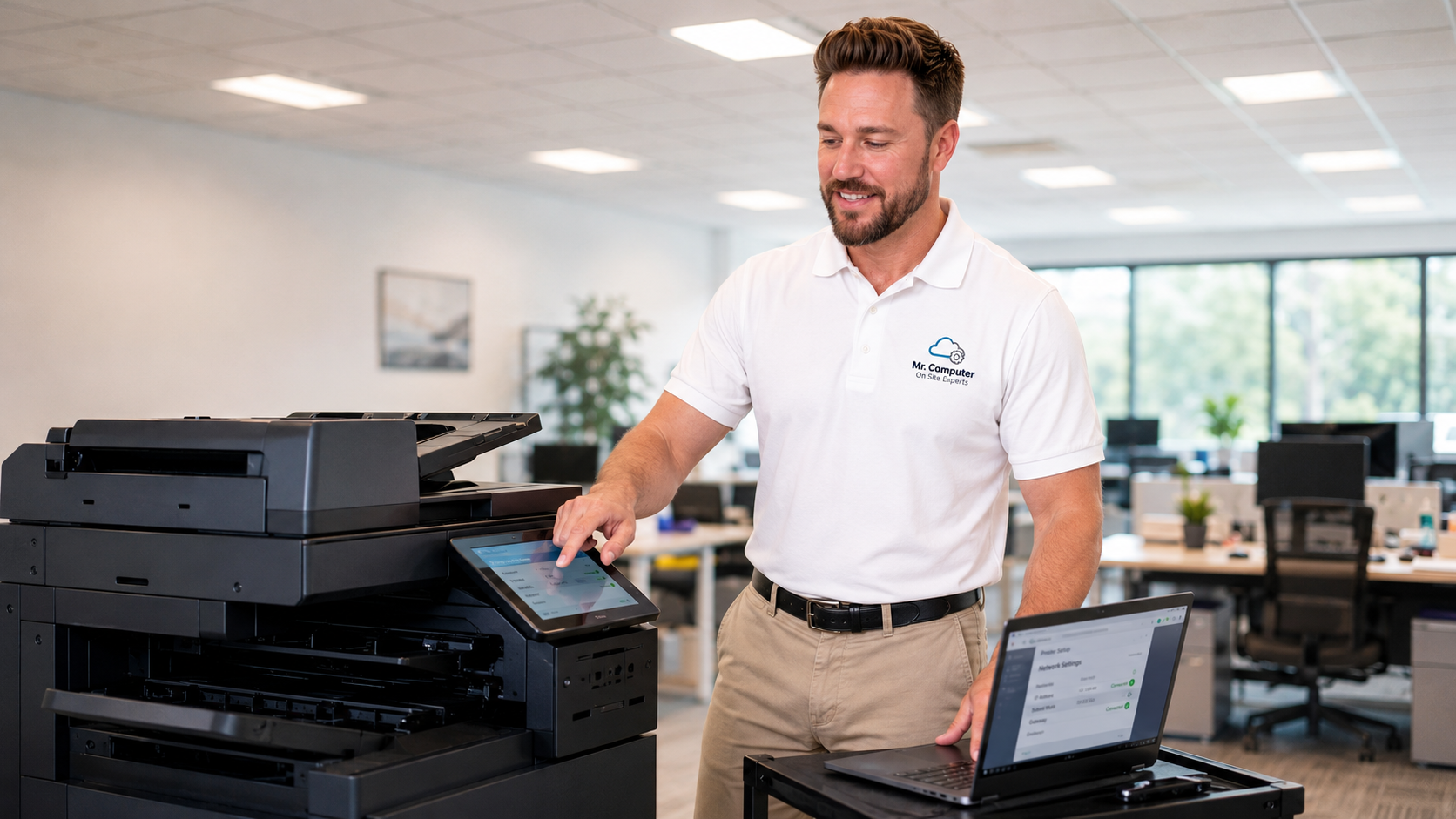
Scanning is in the same category. The printer may be working, but scan-to-computer or scan-to-email has drifted. Drivers, network names and the destination folder all have to agree. I handle that as connection and setup, not as hardware repair on a failed scanner.
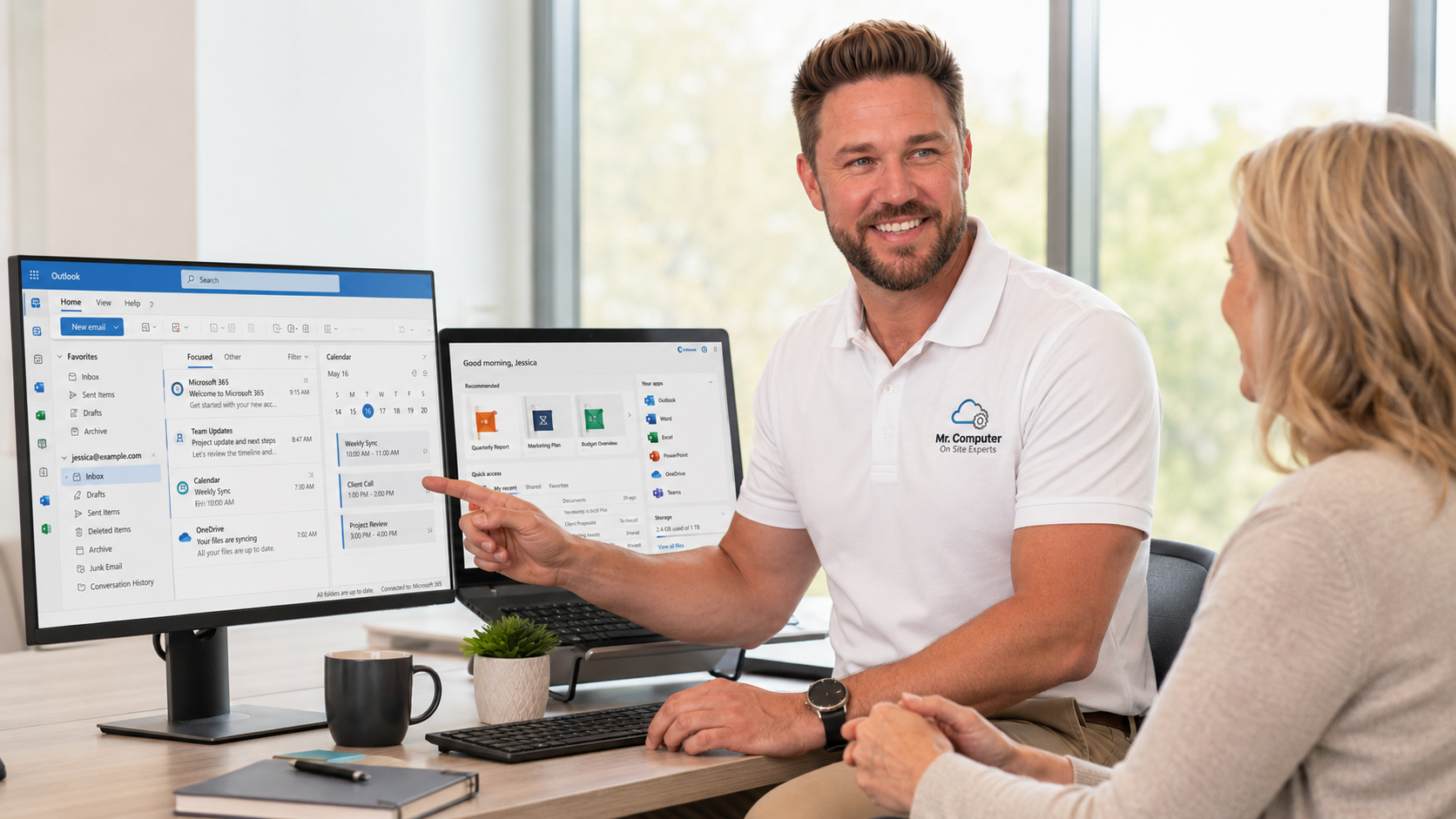
Email is the other constant. I set up and repair Outlook, install and activate Microsoft 365, and help with OneDrive and Teams when the office uses them. Domain email and DNS changes can take more than one visit, and I will plan for that rather than pretend otherwise.
Office WiFi belongs in the same conversation because it is often the hidden cause. A new internet provider, a moved router, or a crowded wireless network can make printers vanish and shared folders feel flaky. I troubleshoot and improve business WiFi, and I can hardwire desks or equipment when a cable is the more reliable choice.
Keeping Client and Patient Data Safer, Without Overpromising
These offices hold information that should not be treated casually. I help with practical protection: current backups, careful permissions on shared folders, better password habits, two-step verification on email, and a plan for what to do if a computer or mailbox is compromised.
I need to be clear about limits. I will not promise that any office is guaranteed against a future incident. I cannot recover stolen money, force a platform to restore a locked account, or recover ransomware-encrypted files. What I can do is reduce risk, help you set up backups you have actually tested, and respond when a device or account looks suspicious.
If a drive has already failed, I can discuss on-site recovery from an internal computer drive, along with the limits of that work. A backup you set up beforehand is still the better story.
Local Help Without a Big Contract
Many practices do not need a large managed-service agreement to get competent help. Hourly, a la carte support is how a lot of my office work starts: fix the printer, restore the shared folder, set up the new workstation, stabilize the WiFi. If the office later wants ongoing managed IT, that option exists, and it starts with an assessment of the current technology, security and backups, not with a generic package.
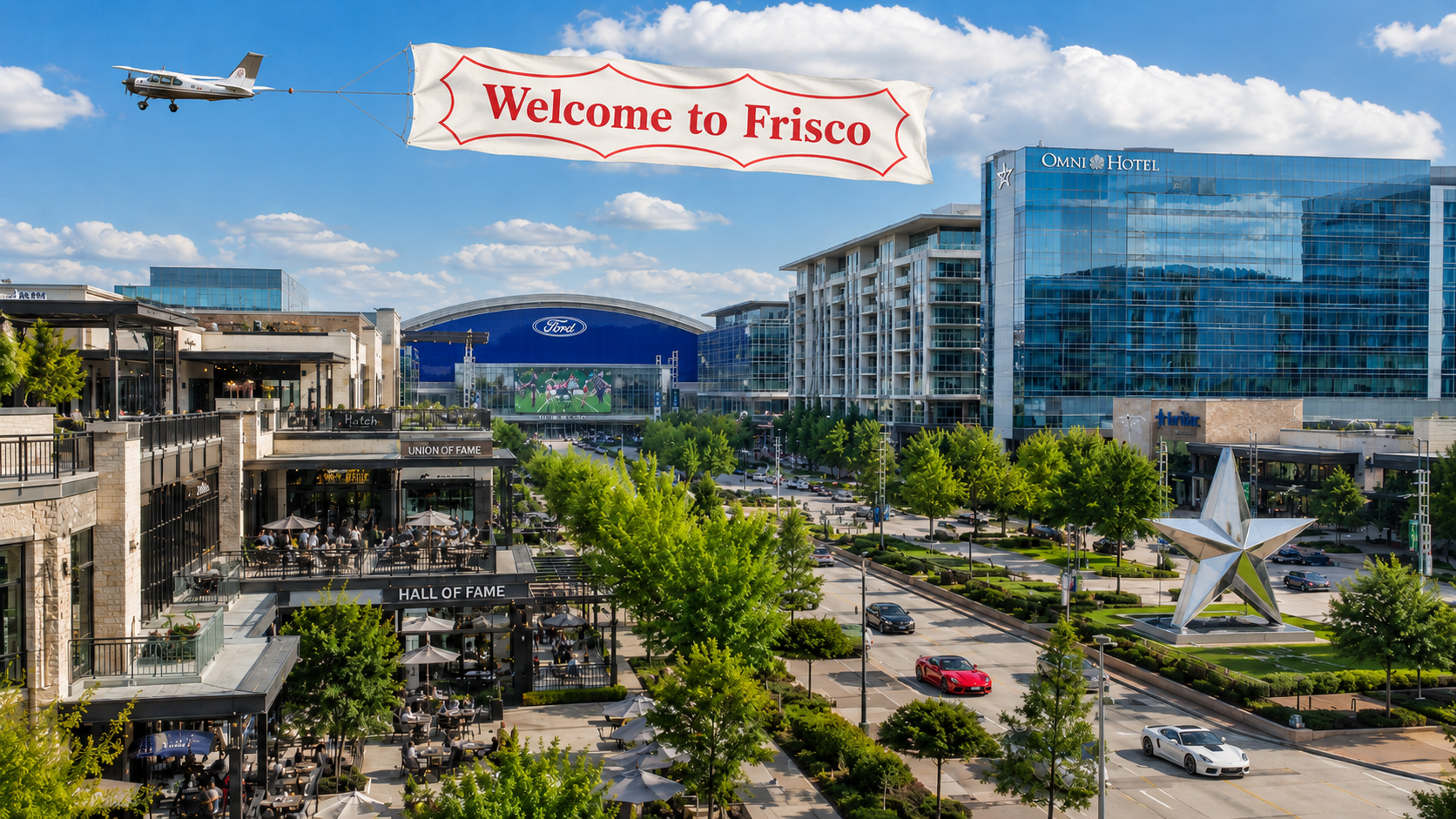
I usually do the work myself. For cabling or larger network installs, I may bring trusted helpers. You will not be passed to a distant call center. Same-day or next-day service is often available. I work throughout Frisco and North Dallas; there is a dedicated page for Frisco small-business IT and computer support, and the broader small-business IT page covers the same kind of office work in neighboring cities.
What a First Visit Usually Covers
You describe what is breaking and what cannot go down. I look at the workstations, printers, email, shared files and the network, then fix what we can in that visit and explain anything that should be planned next. I will also say what I do not do, such as high-voltage electrical work, alarm systems, or physical repair of failed printers or cracked laptop screens.
Payment is due at the end of the service call, with net terms only for established business accounts, possibly with a retainer. There is no required monthly contract to get help.
Common Questions
Do you work after hours if the office cannot be down during the day?
After-hours and emergency service can be requested and is scheduled when available. For many issues, same-day or next-day regular hours are enough. If timing is the real problem, call and we can talk through it.
Can you help with QuickBooks files or a new computer for an accountant?
Yes. Moving accounting and tax files is a common part of new-computer setup, along with email, printers and shared-folder access. Programs still have to be reinstalled; the files are what we migrate.
Do you only work in Frisco?
No. Frisco is a regular part of the service area, along with Allen, Plano, McKinney, Dallas and other North Texas communities.
If your practice needs practical IT support for shared files, scanning, Microsoft 365 or office WiFi, call 469-261-7000 or book an appointment. We can start with the problem in front of you, and keep the solution as straightforward as the office allows.