Managed IT vs. Break-Fix: What Makes Sense for a Small Office
Owners looking for managed IT services in Allen, TX are often trying to answer a simpler question: do we need someone on call when something breaks, or do we need an ongoing arrangement that watches the office more closely? Both can be the right answer. The wrong answer is signing a thick monthly contract because a salesperson said every business should have one.

I am Jeremy Zuther of Mr. Computer. I am a sole proprietor, based in Allen, and I have been helping local offices since 1999. I offer hourly, a la carte IT support with no required monthly contract, and I also offer managed IT options. This post is a plain-English comparison so you can pick based on the size of the office, the risk you carry, and how much technical skill you already have in house.
What Break-Fix, or Hourly On-Call IT Support, Looks Like
Break-fix is the traditional way many small offices get help. Something stops working. You call. I come on site, or use remote support when that is a good fit, and we fix the problem. You pay for the time. There is no retainer you have to keep paying in the months when everything is fine.
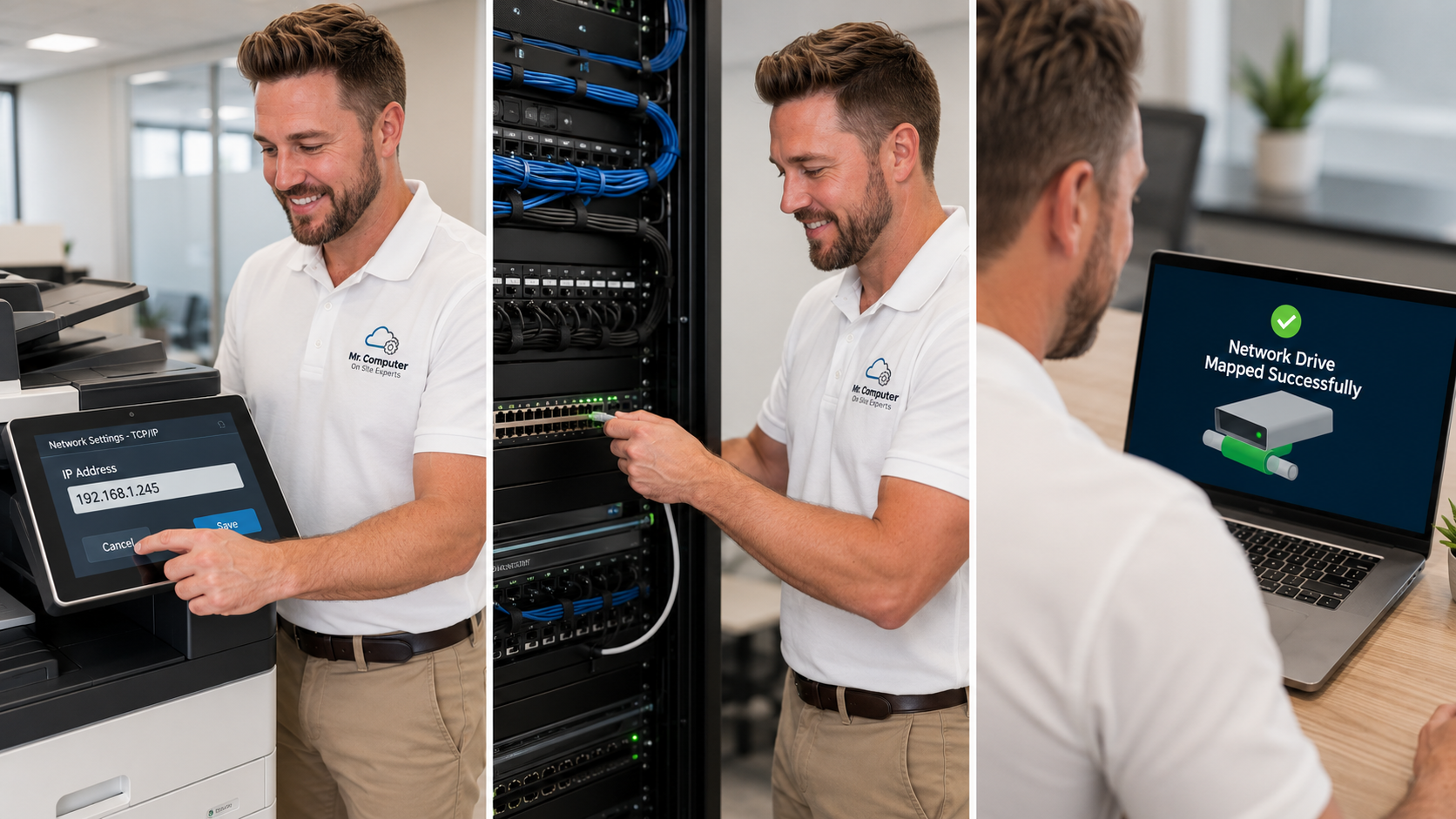
This is a good match when the office is small, the technology is relatively simple, and someone on staff can describe the problem and do basic follow-up. Common calls include a computer that will not reach a shared folder, a mapped drive that failed, a central printer that stopped printing or scanning, Outlook or Microsoft 365 trouble, weak office WiFi, or a new employee's computer that needs to be set up.
Hourly small-business IT support is built for that kind of work. No hard sell, and no requirement that you move into a managed plan to get the help.
What Managed IT Services in Allen, TX Usually Involve
Managed support is for offices that want ongoing help rather than a series of one-off visits. It is still local and practical. It is not a distant call center, and it does not have to be a bloated package of tools you will never use.
A managed arrangement usually starts with an assessment of the current technology, security needs, reliability concerns, backup strategy and support goals. That first look matters. Until we know what computers, email, WiFi, printers, shared files and backups you actually have, a monthly plan is just a guess.
For many businesses, a plan may later include Microsoft 365, cloud file access, WiFi improvements, printer support, workstation maintenance, cybersecurity improvements and general IT support. The mix should follow the office, not a generic checklist.
How to Choose: Size, Risk and In-House Skills
There is no prize for buying more IT than you need. These are the questions I walk through with owners in Allen and across Collin County:
- How many people and computers are we talking about, and how quickly does downtime start to cost money?
- Do you keep client, financial or medical information that would be painful to lose or expose?
- Is there already a current backup, and has anyone tested a restore?
- Is there a person in the office who can be a steady point of contact, or is everyone already stretched?
- Are the headaches occasional, or are they frequent enough that you are always waiting on the next fire?
A two- or three-person office with a simple network may be well served by break-fix, plus a scheduled visit once in a while to handle updates, a new computer or a backup review. A growing office, or one that cannot afford a down morning, may want a managed relationship so problems are caught earlier and someone already knows the environment.
Risk matters as much as headcount. An accounting firm, a medical or therapy practice, or a law office may have the same number of PCs as a small retailer and a very different need to protect email, shared documents and backups. I work with those kinds of offices, along with the other fields listed on my industries served page, and the assessment is where we get specific.
What an Honest Assessment Includes
Whether you lean toward hourly help or a managed plan, a useful visit looks at the same fundamentals:
- Workstations, printers and the way files are shared.
- Email and Microsoft 365: who has a mailbox, how Outlook is set up, and whether the domain and licenses are in order.
- The office network: WiFi coverage, switches, racks or a messy closet that has been ignored.
- Security habits: passwords, remote-access tools, and what would happen if a computer were compromised.
- Backups: where copies live, whether they are automatic, and whether a restore has ever been tested.
I will tell you what I can do, what I do not do, and what can wait. I do not repair physically failed printers or cracked laptop screens, and I do not promise that any office will never have another problem. I do aim to leave the technology simpler to live with than I found it.

Outsourced IT Does Not Have to Mean a Big Contract
Some owners assume "outsourced IT" only comes as a long managed agreement. In practice, you can outsource just the work you need: a printer project, a Microsoft 365 migration, a WiFi upgrade, or a new computer rollout, then go back to calling when something breaks. If a managed plan later makes sense, we can talk about it after the assessment, not before.
Net billing terms may be available for established business accounts, sometimes with a retainer. Everyday rates are not generally discounted, and I will not invent a special package to close a conversation. If you want the local version of this conversation, I also maintain a page for Allen small-business IT services.
Common Questions
Can we start hourly and move to managed later?
Yes. That is a common path. A few break-fix visits often reveal whether the office needs a closer arrangement, or whether occasional help is enough.
Do you have a team or a help desk I would be passed to?
I usually do the work myself. For cabling, structured media and larger network installs, I may bring trusted helpers. You will not be handed off to a distant call center.
Is same-day help available if we stay on break-fix?
Same-day or next-day service is often available, subject to the schedule. Emergency and after-hours help can be requested when something cannot wait, and is scheduled when available.
If you want help deciding which model fits your office, call 469-261-7000 or book an appointment. We can start with an honest assessment of the technology you already have, then choose hourly support, a managed plan, or a mix that actually matches the way you work.