
Small Business IT Support in Plano Without a Monthly Contract
If you run a small office in Plano, you've probably heard the pitch: sign a monthly managed IT contract and all your technology problems go away. For some businesses that's the right move. But a lot of small offices with a handful of computers, a shared printer and a WiFi network end up paying every month for support they rarely use, and still wait on hold when something actually breaks.
There's another way to handle small business IT support: call a capable local technician when you need one, pay for the service call, and skip the monthly commitment. That's how most of my business customers work with me, and it's worth understanding how it works before you sign anything.
What "A La Carte" IT Support Means
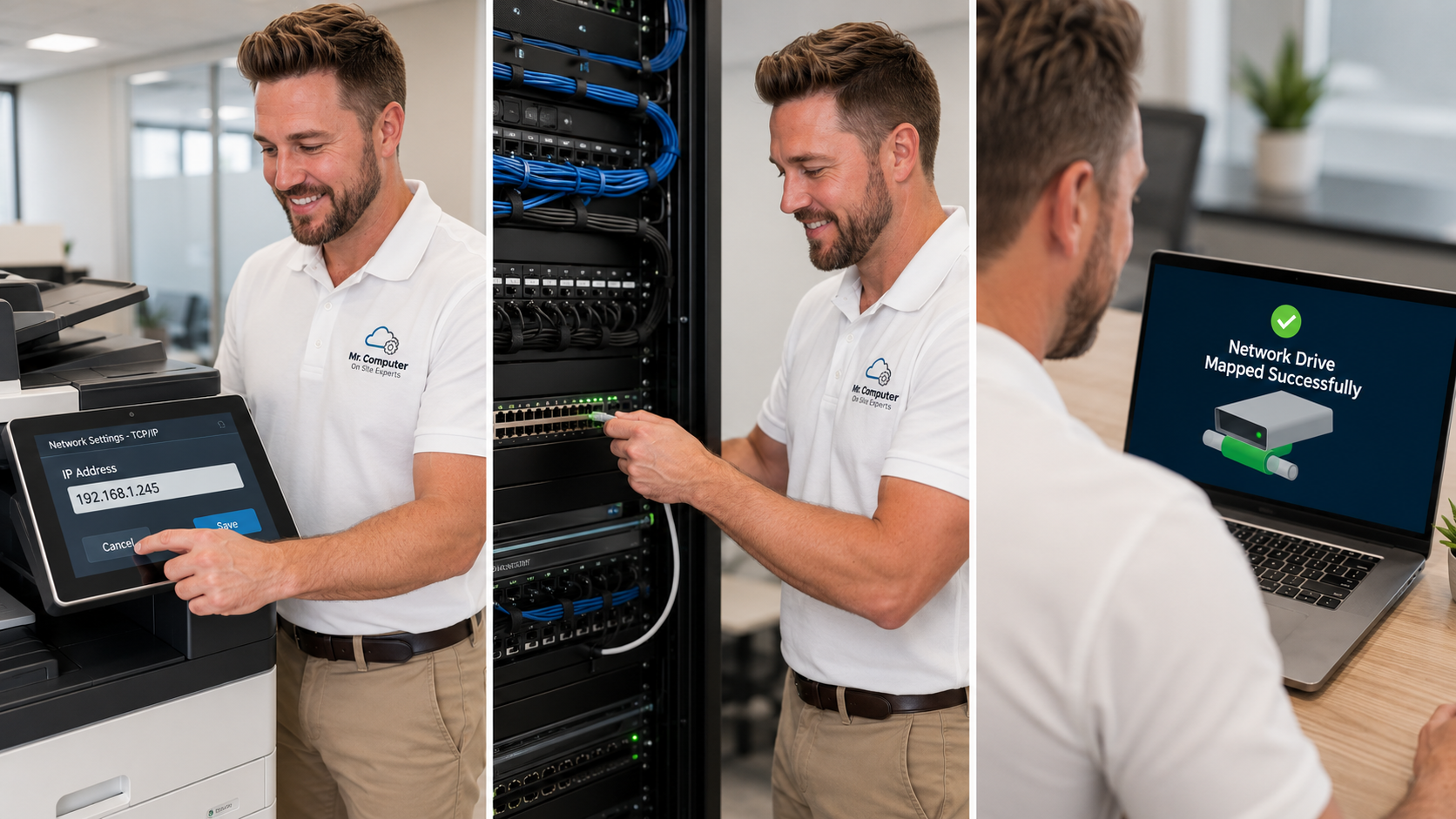
A la carte IT is exactly what it sounds like. When your office has a problem, you call. I come on site, figure out what's actually wrong, fix it, and explain what I did. You pay for that service call. There's no monthly retainer, no long-term agreement and no pressure to buy equipment you didn't ask for.
This works especially well for offices that:
- Have roughly a few to a couple dozen computers
- Don't have an in-house IT person
- Need occasional help rather than daily hands-on support
- Want someone experienced enough to solve the hard problems, not just reset passwords
No hard sell
I don't come in trying to sell monthly contracts, unnecessary equipment or services you didn't ask for. If something in your office is fine, I'll tell you to leave it alone. If something is failing and worth replacing, I'll explain why in plain English and let you decide.
The Office Problems Small Businesses Call About Most
After 27 years of hands-on computer and network work, I can tell you the same handful of issues interrupt small offices over and over:
"Our computers can't access the shared drive."
Mapped drives disappear, a NAS stops showing up, or one workstation can't reach the server. The cause can be permissions, network discovery, an IP change, Windows credentials, a router swap or damaged cabling. These problems stop work cold, and they're often not obvious to a basic technician.
"Nobody can scan or print reliably."
A shared multifunction printer shouldn't be the office bottleneck. I connect every workstation, install the right drivers, and fix scan-to-folder and scan-to-email workflows where the device supports them.
"Our office WiFi is unreliable."
Laptops drop off, video calls freeze, and guests can't connect. Sometimes that's placement and configuration. Sometimes the office has outgrown its equipment and needs properly installed business WiFi.
"Our network closet is a mess."
Tangled cables, unlabeled switches and a router nobody wants to touch make every future problem harder to fix. I clean up wiring, label cables, mount equipment in a rack and install patch panels where it makes sense.

What On-Site Small Business IT Support Covers
My small business IT services cover the technology most offices depend on every day:
- File sharing and network storage: mapped drives, shared folders, NAS devices and server-client setups
- Printer and scanner sharing: drivers, network printing and scanning workflows
- Workstation support: setup, repair, updates, user profiles and new employee computers
- Outlook and Microsoft 365: email setup, syncing, passwords, OneDrive and Teams
- Network troubleshooting: switches, routers, IP conflicts, cabling and connectivity
- Business WiFi: coverage for employees, guests and work devices
- Backups and data: local backups, cloud storage and practical data protection
- Security and passwords: suspicious pop-ups, safer logins and account protection
When a Monthly Contract Might Make Sense
I'm not against ongoing support. For some businesses, it's the right fit, and I do offer managed IT options. That usually starts with an assessment of your current technology, security, backups and support goals. If you have a lot of users, strict compliance needs, or you want someone keeping an eye on things on a regular schedule, a managed arrangement can be worth it.
The point is that it should be a choice, not a default. Many Plano offices do perfectly well calling for help when they need it and spending the money they'd save on better equipment or backups.
How Billing Works
Most small business service calls are billed at my regular hourly rate with a one-hour minimum. Payment is due when the service call is completed, by cash or check, and credit cards can be run through PayPal with the processing fee passed through. You can see current details on my rates page. There's no surprise monthly invoice for months when nothing broke.

Local Help for Plano Businesses
Mr. Computer is based in Allen, just up the road, and I work with offices all over Plano, from retail shops and accounting firms to medical, legal and real estate offices. You can find more on my Plano small business IT page.
When you call, you get me. I'm a sole proprietor, so the person you talk to on the phone is usually the same person who shows up, diagnoses the problem and does the work. That continuity matters when your network has quirks that take time to learn.
Tips to Get the Most From Each Visit
- Keep a list of passwords and accounts in a secure place: router login, Microsoft 365 admin, email and any NAS or server accounts.
- Write down when problems happen. "Every morning around 9" or "only on the upstairs computers" helps narrow things down fast.
- Bundle small issues. If three things are bugging the office, mention all of them so they can be handled in one visit.
- Ask about backups if you're not sure yours are working. That's the one problem you don't want to discover during an emergency.
Need Small Business IT Help in Plano?
If your office is fighting with shared drives, printers, email or WiFi, let's get it fixed without locking you into a contract. Call 469-261-7000 or book through the site, and tell me what's slowing your business down.