
Smart TV, Doorbell and Camera Setup: Getting Smart Devices on WiFi
"I bought it, but I can't set it up." I hear that a lot. A video doorbell still in the box. A smart thermostat half-installed with wires sticking out of the wall. A new TV that won't stay connected to WiFi long enough to finish a movie. Smart home devices promise convenience, but getting them installed, connected and working together can be anything but convenient.
Here's a practical look at why smart devices give people trouble, what smart home device installation covers, and where the line is between a technology job and an electrician's job.

Why Smart Devices Are So Frustrating
Every device has its own app
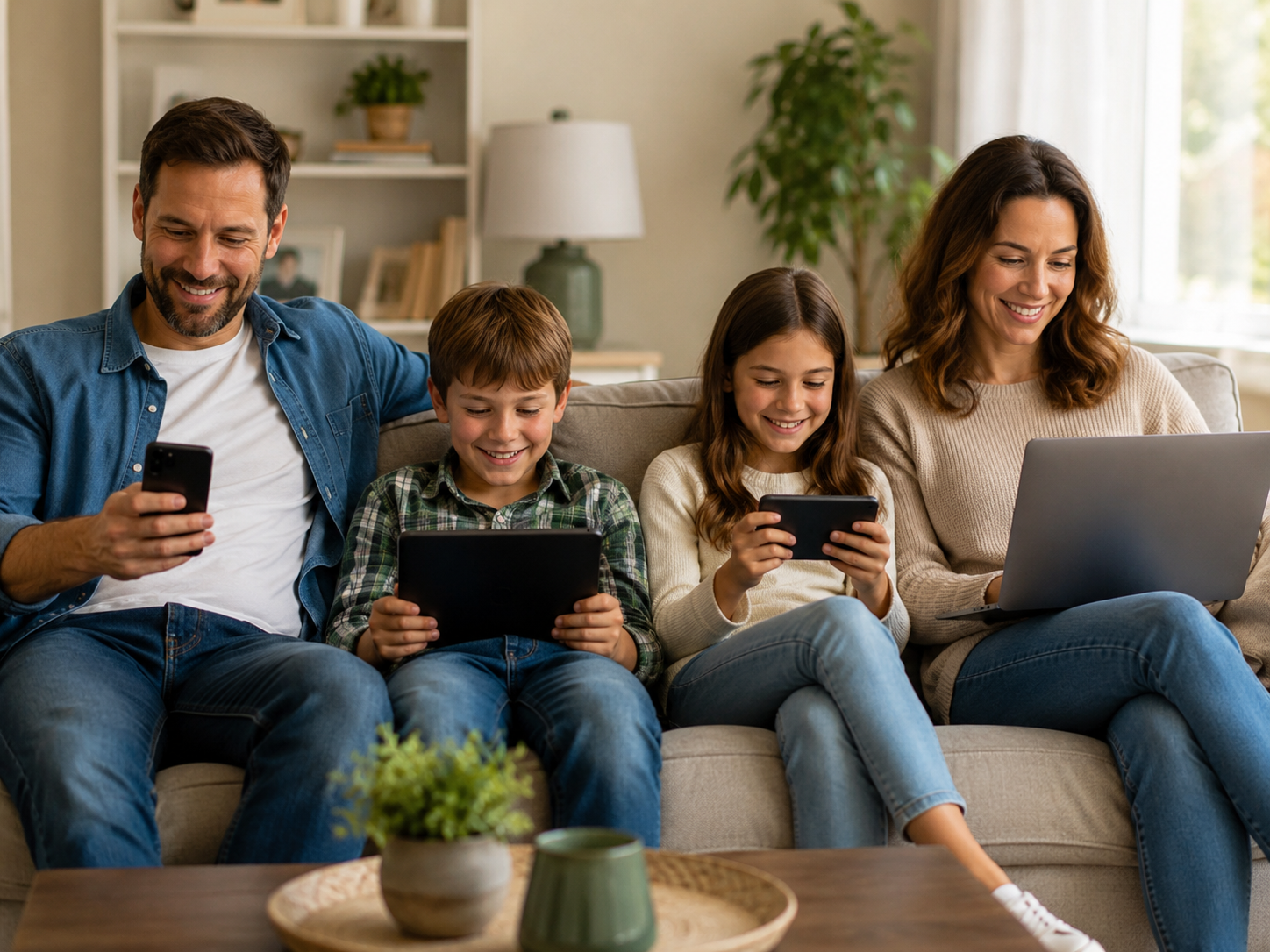
Your doorbell has an app. Your cameras have another. The thermostat, the lights, the TV and the speakers each want their own app, account and password. Before long you have a dozen apps, a dozen logins and no idea which one controls what.
They need a strong, stable WiFi signal
Smart devices are only as reliable as your network. A doorbell at the front door, a camera over the garage or a TV at the far end of the house may be right at the edge of your WiFi coverage. When the signal is weak, devices drop off, video stutters and notifications show up late or not at all.
Router changes break everything
If you change internet providers or replace your router, every smart device in the house may need to be reconnected to the new network. "My devices stopped working after the router changed" is one of the most common smart home calls I get.
What Smart Home Device Installation Covers
My smart home device installation service handles the technology side of a connected home:
- Smart TVs and streaming devices: setup, app sign-ins, inputs and remotes
- Video doorbells: mounting, WiFi connection and app setup
- Security cameras: placement, connection and viewing on your phone
- Smart thermostats: installation and app control
- Smart plugs and smart lighting
- Garage door controllers and other connected devices
- Speakers, soundbars, receivers and home audio
- WiFi troubleshooting for devices that won't connect or keep dropping off
How a Smart Home Setup Visit Works
- Tell me what you bought. List the devices and what you want them to do.
- I inspect the setup. I check your WiFi coverage where the devices will live, the wiring for things like doorbells and thermostats, and your existing accounts.
- I connect and configure. Devices get installed, connected and tied into the right apps.
- I show you how it works. You'll know which app does what and how to use the features you care about.
TVs, Streaming and Remotes
A new smart TV can turn into a tangle of inputs, remotes, streaming apps and sign-ins. I set up streaming apps, sort out TV inputs and connected devices, and fix buffering that's really a WiFi problem. If you'd like to simplify how you watch, I'll help get it to the point where anyone in the house can turn it on and find what they want.
TV mounting and home audio
I also help with TV mounting, stereo receivers, speakers and soundbars. TV mounting is two-person work for safety, so it's scheduled that way.
Where Tech Work Ends and an Electrician Begins
Being clear about limits keeps everyone safe:
- No high-voltage electrical work. If a device needs new 110-volt power, you'll need a licensed electrician.
- No alarm systems. I don't work on alarm systems.
- Brick and stone limits. Some mounting on brick or stone surfaces may not be possible or may need a different trade.
What I do handle is the technology: connecting, configuring, troubleshooting and making it all work together.
Your Smart Home Is Only as Good as Your Network
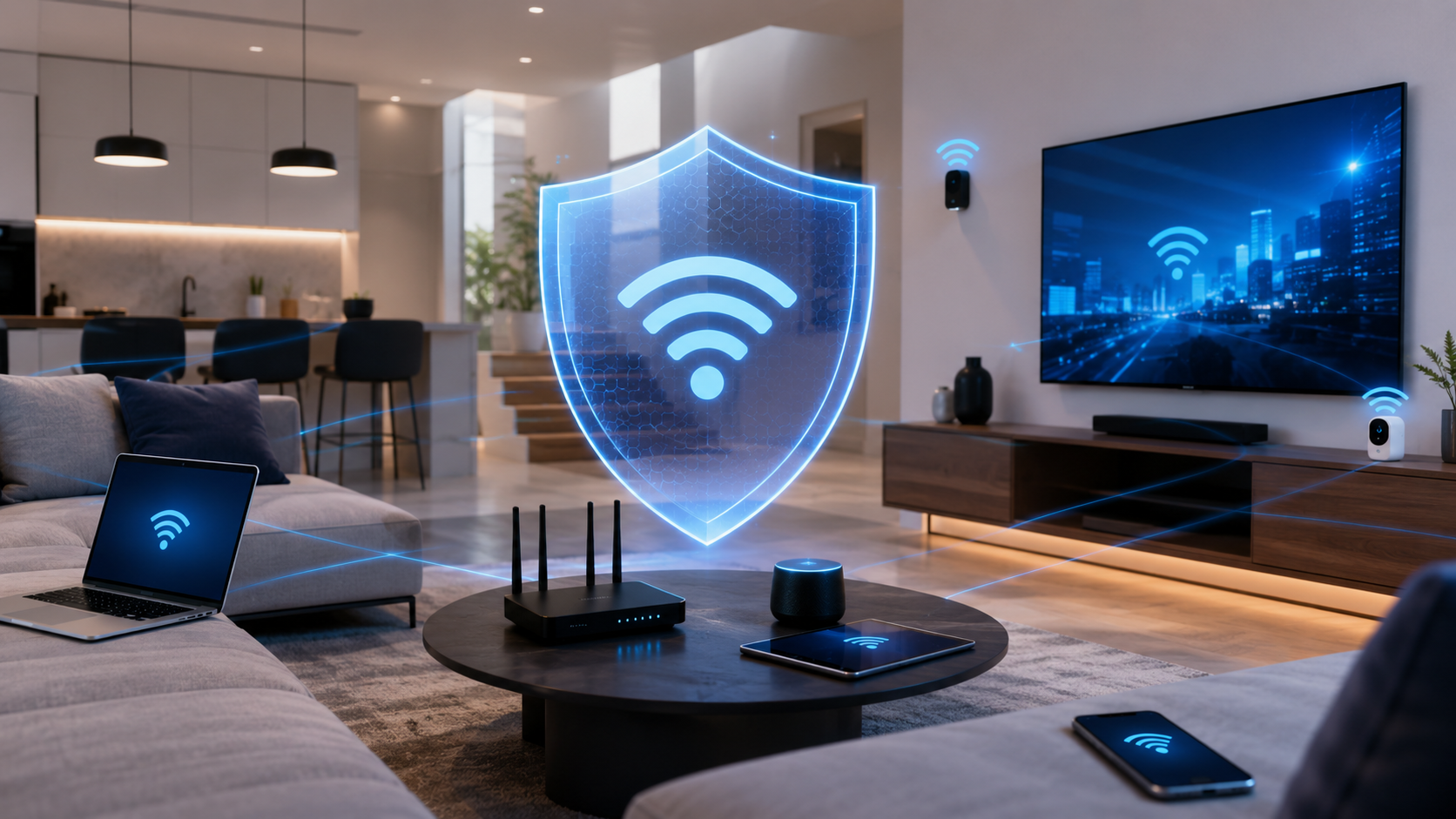
If your cameras keep going offline, your streaming buffers or your doorbell notifications arrive after the visitor has left, the device probably isn't the problem. The WiFi is. A strong, well-designed network means:
- Cameras stay connected
- Streaming works better
- More devices can run at once without slowing everything down
- Coverage reaches the driveway, garage, patio and upstairs rooms
When I see a home where the network is holding everything back, I'll tell you, and explain options on my WiFi and network services page.
Smart Home Privacy and Security
Every connected device is another way into your network. A few simple habits help: use strong, unique passwords for device accounts, keep device apps and firmware updated, and remove old devices you no longer use from your accounts. I'll point out any easy security improvements while I'm setting things up.
Tips Before You Buy More Devices
- Check your WiFi where the device will go. If your phone struggles there, the device will too.
- Keep a list of accounts and passwords for each device.
- Stick to fewer apps when you can. Devices that work together reduce clutter.
- Think about power. Know where outlets and existing wiring are before you choose a spot.
Common Questions
Can you set up devices I already tried to install?
Yes. Half-finished installs are very common. I'll check what's already been done, fix what's missing and get the device connected properly.
Should I buy the devices before calling?
If you haven't bought anything yet, it can help to call first. I can tell you whether your WiFi and wiring are ready for what you have in mind before you spend money.
Get Your Smart Devices Working
Whether it's one doorbell still in the box or a whole house of devices that won't cooperate, I can help. Call 469-261-7000 or book through the site, and tell me what you bought.