Virus Removal in McKinney: Why On-Site Cleanup Beats Remote for Infected PCs
If you need virus removal in McKinney, TX, the computer is probably already hard to use. Pop-ups fill the screen. The browser opens pages you did not request. A warning says to call Microsoft or a "support" number right away. Or the PC just feels wrong: slow, noisy with unknown programs, and no longer trustworthy.
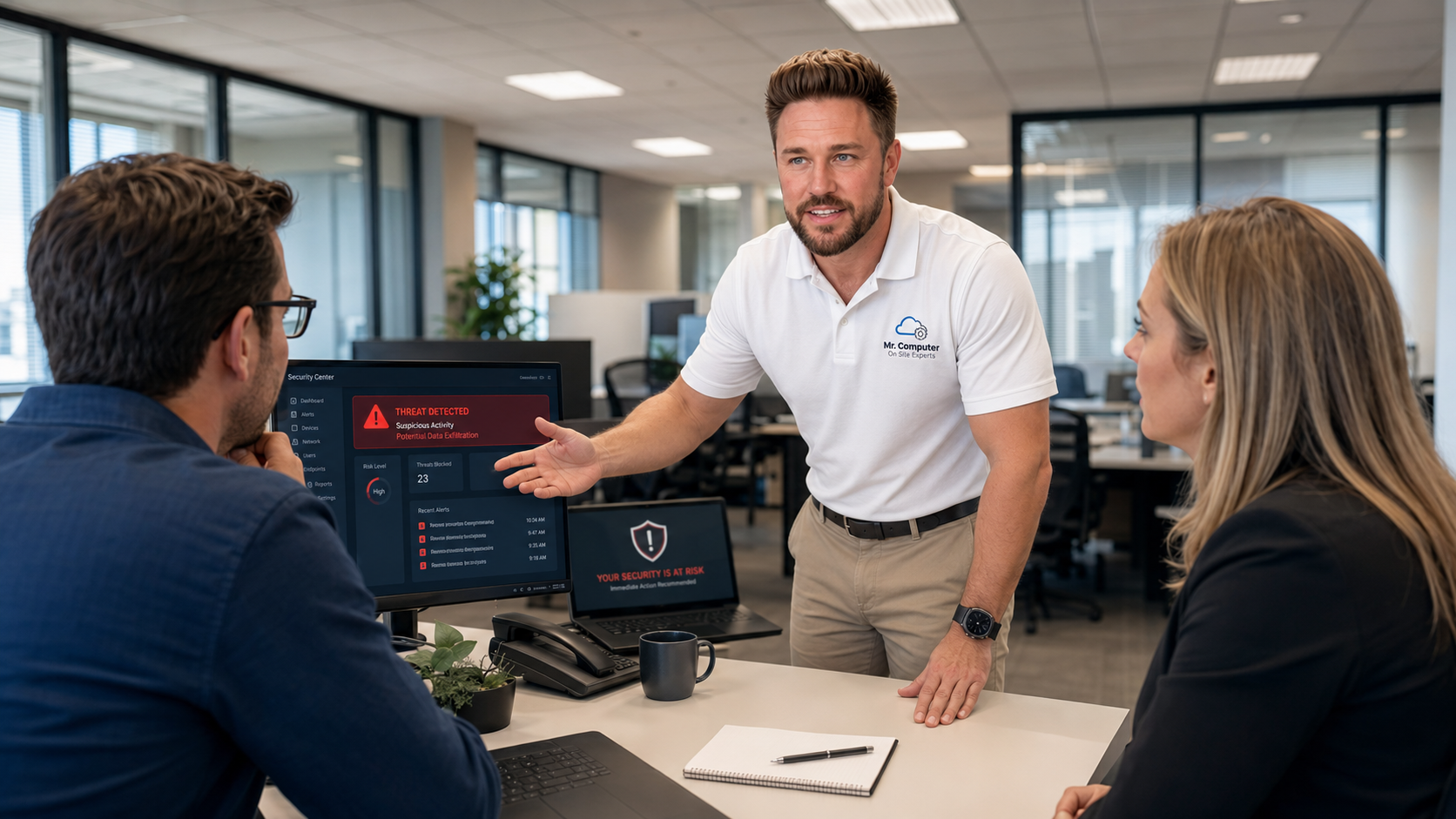
A common instinct is to let someone "fix it remotely" or to keep clicking through the warnings. That is usually the wrong move. Infected computers are often too slow, unstable or compromised for a remote session, and some of those pop-ups are designed to get you to call a scammer. I come on site, inspect the machine in person, remove what should not be there, and tune it so it is usable again.
I am Jeremy Zuther, a sole proprietor based in Allen. I have been doing this work since 1999, and I handle most McKinney house calls myself. No hard sell, and no scare tactics. Here is what an on-site cleanup actually involves, and what it cannot promise.
Why On-Site Virus Removal in McKinney, TX Works Better Than Remote
Remote support has its place. It is a good fit for many software and email problems when the computer is healthy and the internet is working. An infected PC is a different situation.
The machine may be too slow to control over a remote connection. It may be so full of pop-ups that you cannot reach a desktop. It may have been disconnected from the internet on purpose, or it may be unsafe to type passwords while you are not sure who else has access. In those cases, working through a remote session can take much longer and still miss things you would catch in person.
On-site virus, spyware and malware removal lets me use the right tools directly on the computer. I can see what is running, what was installed, and whether a scammer left a remote-access program behind. That is also why I prefer to do this work at your home or office in McKinney rather than asking you to pack up a sick computer and drop it off somewhere.
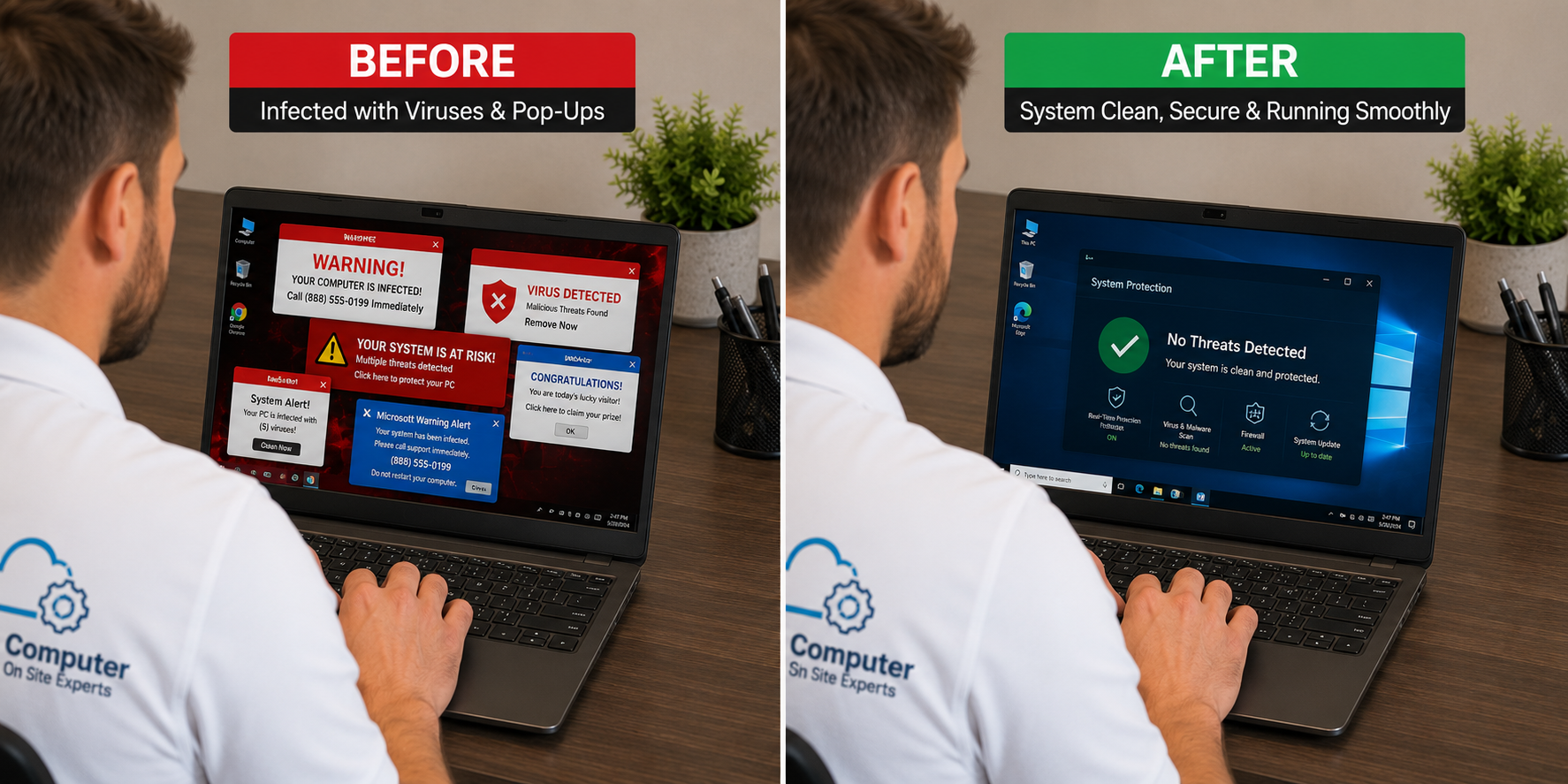
Common Warning Signs of Malware, Spyware or a Hijacked Browser
Some infections are obvious. Others show up as odd behavior that is easy to dismiss at first. These are the signs I hear about most often:
- Scary pop-ups that claim the computer is infected and tell you to call Microsoft, Apple or a security company.
- A browser that redirects searches, changes the homepage, or keeps asking to allow notifications.
- Unknown programs, toolbars, "cleaners" or a second antivirus tool you do not remember installing.
- A computer that became painfully slow, especially at startup.
- Antivirus alerts that will not go away, or a security program that seems to have been turned off.
One more urgent case: if someone is remotely connected to the computer right now, or you just allowed a stranger to take control after a pop-up or a phone call, stop. Disconnect from the internet or shut the computer down, and call before you type any more passwords.
What an On-Site Computer Virus Cleanup Includes
Cleanup is more than deleting one obvious pop-up. When I come out for malware removal near you, I work through a practical process: inspect, remove, audit and tune up.
Inspect
I start by looking at how the computer is behaving and what was recently installed. That includes browsers, startup items, unknown programs and any remote-access tools a scammer may have left behind so they could reconnect later.
Remove
I remove active threats, unwanted programs, fake antivirus tools, suspicious utilities and browser-based malware. Browser extensions, hijacked search settings and unwanted notification prompts get cleaned up as part of the same visit.
Audit
A security audit looks for risky settings, leftover remote tools, weak or reused password habits, and signs that an email or Microsoft account may have been exposed. The goal is to understand what happened, not just to clear a single alert.
Tune up
Infections often come with startup junk and background clutter that keep the computer slow even after the malware is gone. I reduce that clutter so the PC is safer and more usable when I leave.
I also review the antivirus situation. Many computers have a built-in Windows security tool plus a second product that is expired, conflicting or fake. Sorting that out is part of the visit.

What I Can Promise, and What I Cannot
When the visit is finished, the computer should be clean. That is the point of the appointment. What no one can honestly promise is that it will stay that way forever.
A future scam, a bad download, a reused password or a new pop-up can create a new problem later. Technology changes, and I will not pretend otherwise. I will explain practical habits that reduce the risk: careful clicking, current updates, a real backup, and skepticism toward any message that tells you to call a number on the screen.
I also cannot recover stolen money, force a bank or website to reverse a charge, or guarantee that a locked email or social media account will be restored. If money or an account was taken, that part goes through your bank or the provider. What I can do is secure the computer and help you tighten the accounts you can still reach.
What a House Call in McKinney Looks Like
Most of this work is done on site, and same-day or next-day service is often available. You describe what you are seeing. I inspect the computer in person, do the cleanup, and walk you through what I found in plain English before I leave.
If you would rather have someone handle it than keep fighting pop-ups yourself, call 469-261-7000 or book an appointment. I also have a McKinney-specific page for this work, McKinney virus removal services, and a general McKinney service page if you want to see what else I handle in town.
Common Questions
Can I just run a free scan and call it done?
A scan can be a useful first look, but it often misses leftover browser hijackers, fake security tools or a remote-access program a scammer installed. If the computer is already unstable, a scan can also stall or give you a false sense of safety.
Should I keep using the computer until someone can come out?
If you think a scammer had access, or you are being asked to log into banking or email on a machine full of pop-ups, it is safer to disconnect or shut down and wait. Everyday browsing on a compromised PC can make a bad situation worse.
Do I need to buy a new computer?
Usually no. Many infected PCs can be cleaned and tuned up. If the computer was already failing for other reasons, I will tell you that honestly and talk through repair-versus-replace in plain English. I will not push a new machine you do not need.
Technology should feel simpler after I leave, not scarier. If your McKinney computer is full of pop-ups, running slowly, or no longer feels trustworthy, call 469-261-7000 and we can sort out the next step.