
Why Is My Computer So Slow? Tune-Up vs. SSD Upgrade vs. Replacement
"My computer is so slow." It's probably the most common sentence I hear on the phone. It takes forever to start. Programs freeze. The little spinning circle never goes away. You click something and go make coffee.
The frustrating part is that "slow" can have a lot of different causes, and the right fix depends on which one you have. Sometimes a cleanup is enough. Sometimes a hardware upgrade makes an old computer feel brand new. And sometimes the honest answer is that it's time to replace it. Here's how to tell the difference.

The Most Common Reasons a Computer Gets Slow
Bogged-down software
Over time, computers collect programs that start automatically, toolbars, trial software, update helpers and background apps. Each one takes a little memory and processing power. Together, they can bring a computer to a crawl, especially at startup.
Viruses and malware
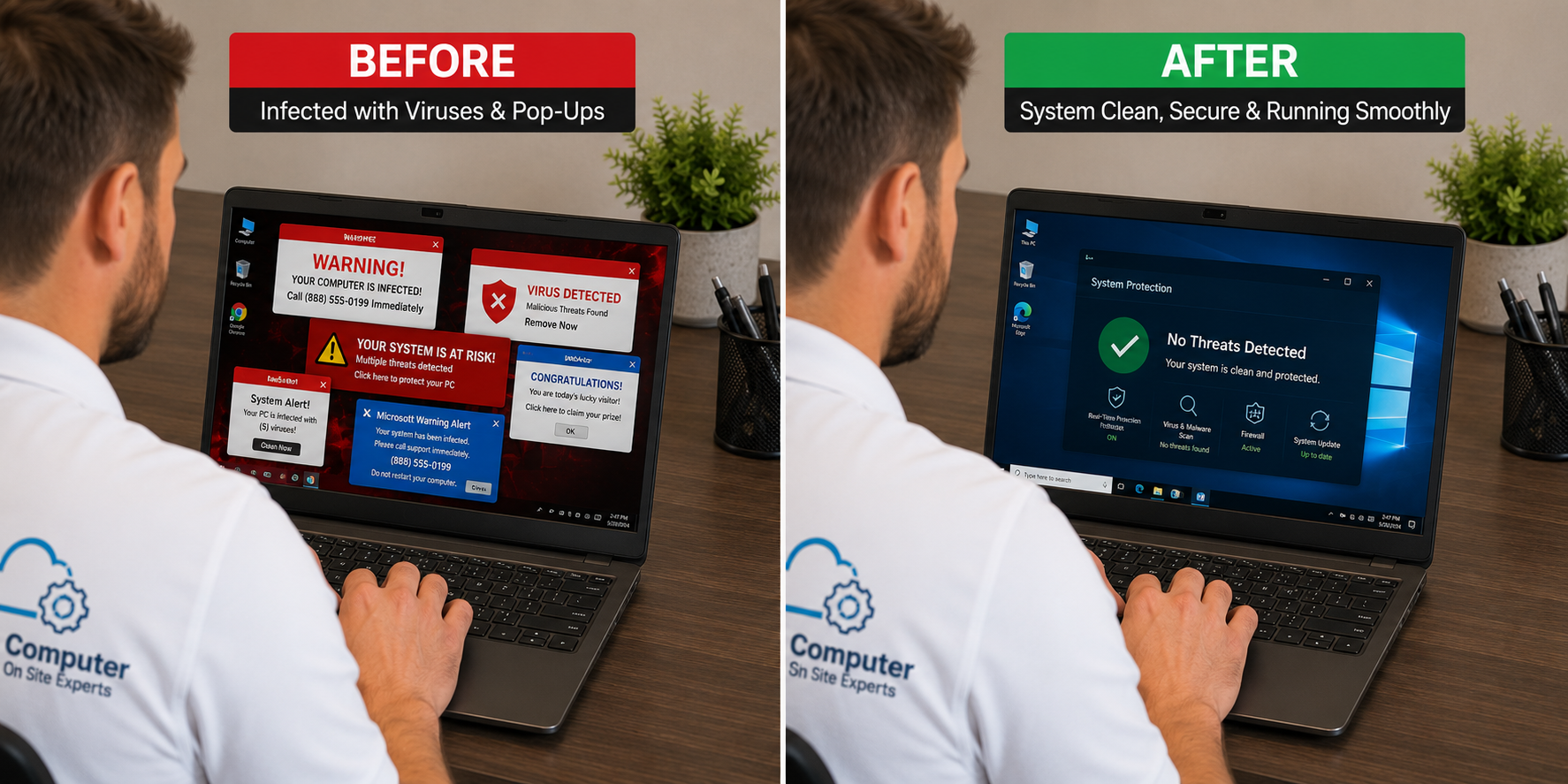
Malware often runs quietly in the background. A computer that suddenly got slow, especially with pop-ups, browser changes or strange behavior, may be infected. Slowness can be a security warning sign, not just an annoyance.
An old mechanical hard drive
Many computers, especially older ones, still use a spinning mechanical hard drive. Compared with a modern solid-state drive (SSD), these are dramatically slower at loading Windows and programs. This one cause is behind a huge number of slow computers.
Windows problems
Failed updates, corrupted system files and years of accumulated changes can leave Windows sluggish and unstable.
Hardware limitations
Some computers simply don't have the processing power to run current software comfortably.
It's actually the WiFi
If web pages, video and cloud apps are slow but everything else is fine, the problem may be your WiFi signal, not the computer at all.
A Simple Test: Is It the Computer or the WiFi?
Try moving the computer close to your router and see if things improve. If websites and video suddenly load fine, the computer isn't the problem. Weak signal is. That's common in large homes and in rooms far from the router.
How I Diagnose a Slow Computer
I don't just click around and hope. A slow-computer visit checks the whole system:
- Startup review: what loads when the computer starts and what doesn't need to
- Malware check: anything running that shouldn't be
- Hardware review: drive type and health, memory and overall condition
- Update review: failed or stuck Windows updates
Then I'll recommend the fix that actually makes sense for that computer. You can see more on my slow computer page.
Your Options, Explained
Option 1: A computer tune-up
A tune-up cleans out unnecessary startup programs, removes junk and malware, fixes settings and gets updates healthy. If the hardware is decent and the problem is software, a tune-up can make a big difference.
Option 2: Back up, reload Windows and restore data
When Windows itself is badly damaged, a fresh start can be the cleanest fix. Your data gets backed up, Windows is reloaded, and your files are restored. Programs need to be reinstalled afterward.
Option 3: An SSD upgrade
If your computer still uses a mechanical hard drive, replacing it with an SSD can make a massive difference. I can clone your existing drive onto the new SSD, so your files, programs and settings stay exactly where they were, just much faster. For a lot of older computers, this is the single best upgrade available.
What about more RAM?
People often assume more memory is the answer. RAM upgrades aren't usually the first answer. They help in specific situations, but a slow drive or cluttered software is far more often the real bottleneck.
Repair or Replace?
Repair may make sense when the computer is in good physical shape, runs a supported version of Windows, and the slowness comes from software or a mechanical hard drive.
Replacement may make sense when the computer is very old, can't run current Windows well, has multiple failing parts, or would need repairs that cost more than it's worth.
I work on Windows 10 and Windows 11 computers. I don't support Windows 8 or older, because too many modern programs and security tools no longer work properly on them. If replacement is the better choice, I can help you choose a new computer and handle the setup and data migration.

Slow Computers and Security
If your computer got slow suddenly, especially along with pop-ups, browser redirects or programs you don't recognize, don't ignore it. Avoid logging into banking or important accounts until it's checked. My virus and malware removal service handles that cleanup on site.
Things You Can Try Today
- Restart the computer if it's been running for days.
- Uninstall programs you don't use.
- Let pending updates finish.
- Free up disk space if the drive is nearly full.
- Test near the router to rule out WiFi.
Common Questions
Will a tune-up delete my files?
No. A tune-up cleans up programs and settings, not your documents and photos. A Windows reload is different, which is why data is backed up first and restored afterward.
How do I know if my computer has a mechanical hard drive?
You often can't tell from the outside. It's one of the first things I check, because it changes which fix makes the most sense.
Can a slow computer be fixed remotely?
Some software-related slowness can be handled remotely. Hardware upgrades, badly infected computers and failing drives need an on-site visit.
Find Out Why Your Computer Is Slow
If your computer is testing your patience, let's find the real cause and fix it the right way. Call 469-261-7000 or book through the site.