
Data Recovery Services
On-Site and Bench Data Recovery for Computers That Will Not Boot, Barely Run, or Cannot Access Files
Mr. Computer helps customers recover data from computers that no longer boot, computers that are too slow or unstable to use, and internal hard drives that need to be removed so the files can be extracted safely. If your files are important, stop using the computer and call us before the situation gets worse.
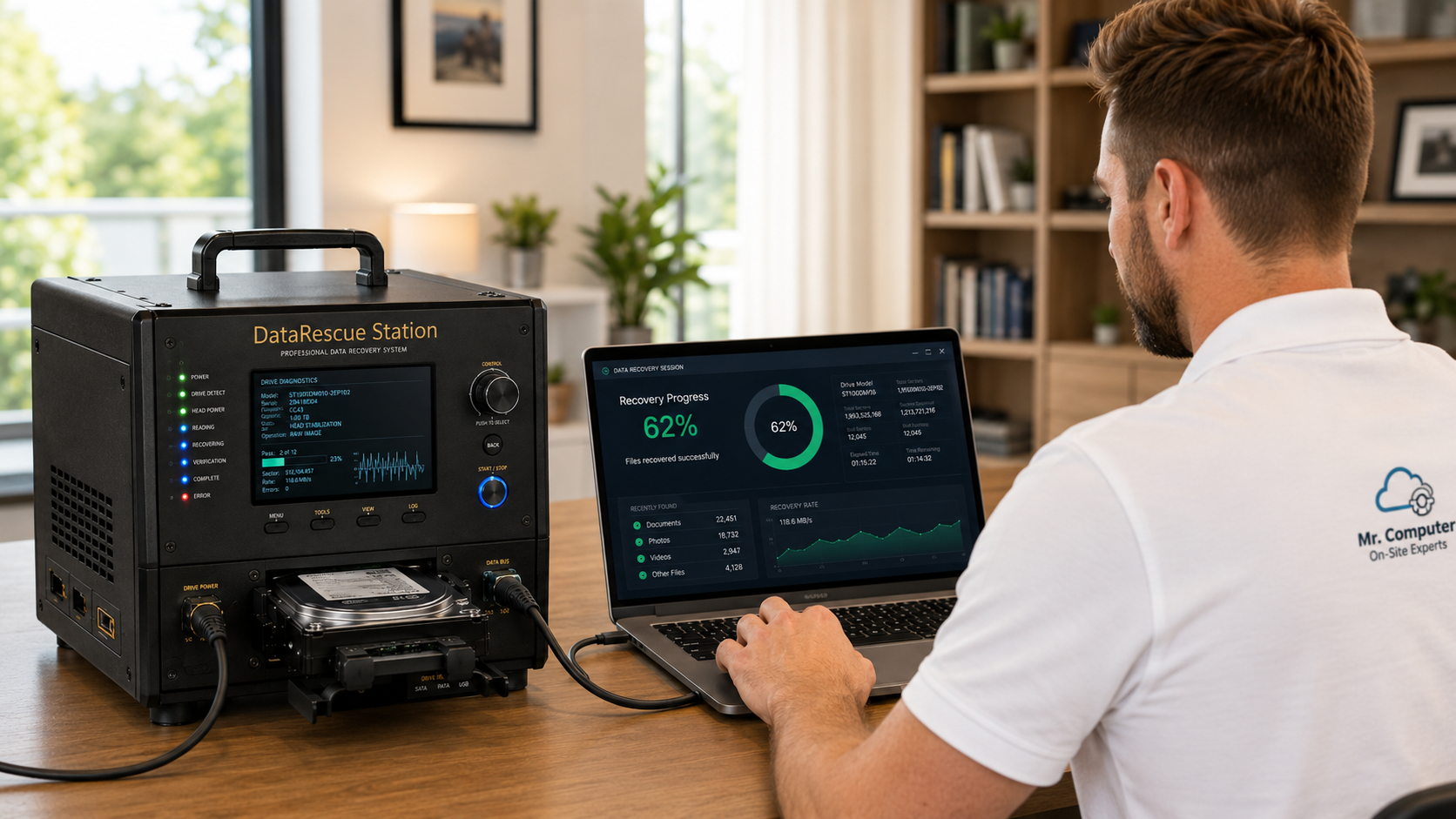
When to Call for Data Recovery
Our most common data recovery calls involve computers that will not boot, computers that are too slow to access files, or internal drives that need to be removed and scanned from another system.
Computer Will Not Boot
The computer powers on but Windows will not load, crashes, loops, or fails before you can access your files.
Computer Is Nearly Unusable
The computer technically starts, but it is too slow, unstable, or damaged to safely move the files normally.
Old Computer Died
We can remove the internal drive from an older desktop or laptop and attempt to extract the important data.
Internal Drive Needs Extraction
We can remove internal drives and recover files to another computer or external storage device.
Data Recovery Services We Provide
We focus on practical data recovery from internal computer drives that are still electronically readable and do not require physical drive rebuilding.
Internal Drive Data Recovery
Our primary data recovery service is removing an internal drive from a failed or unusable computer and extracting the files to another computer or external drive.
Non-Booting Computers
Recover files from computers that will not fully start or cannot load Windows correctly.
File Extraction
Extract documents, pictures, desktop files, downloads, music, videos and other accessible user files.
Transfer to Another Computer
If you have a different computer, we can transfer recovered files to that computer when space allows.
HDD Recovery
Recover data from traditional internal hard drives when the drive is still readable and not physically failed.
SSD and NVMe Recovery
Recover from internal SSD, NVMe and SATA drives when the drive is detectable and the data is accessible.
Bench Recovery
If recovery will take longer, we may take the drive to the bench and return it once the recovery is complete.
Destination Drive Options
Recovered data can be placed on your computer, your external drive, or a new external drive we provide.
95% of Our Data Recoveries Are Completed On Site in 1.5 Hours or Less
Most customers do not need to send their computer away or wait days for answers. When the internal drive is still readable and the situation qualifies for the type of recovery we perform, we can usually extract the data during the service call.
This is a major advantage for customers who need their documents, pictures, business files, desktop folders, downloads and other important files back quickly.
Do Not Keep Restarting the Computer
If the drive is failing, every restart can make the situation worse. Continuing to use the computer, repeatedly trying repairs, installing recovery software, or putting the machine in the hands of an inexperienced technician can reduce the chance of getting your files back.
If the data matters, stop using the computer as much as possible and call before more damage is done. The goal is to access the drive carefully, extract the data, and avoid unnecessary stress on the failing device.
Stop Restarting
Repeated boot attempts can worsen a failing drive and reduce recovery chances.
Do Not Install Recovery Software
Installing new software can overwrite data or place more stress on the drive.
Avoid Inexperienced Help
Improper handling can turn a recoverable drive into an unrecoverable one.
Call Quickly
The sooner the computer is handled correctly, the better your chances of recovery.
Drive Types We Can Often Recover From
We recover from many internal computer drives, as long as the drive is still detectable and does not require physical repair or drive rebuilding.
Traditional Hard Drives
Older and newer internal hard drives from desktops and laptops.
Solid State Drives
Internal SSD drives when they are still readable and not physically failed.
NVMe Drives
Modern internal NVMe drives when they can be detected and accessed.
SATA Drives
SATA hard drives and SATA SSDs removed from desktops and laptops.
We Do Not Rebuild Physically Failed Drives
We do not rebuild hard drives, open drives in a clean room, repair physically damaged drives, recover from water-damaged drives, recover from drives making a repeating cyclical clicking noise, or recover from drives that are not detected at all.
Those situations require a specialty data recovery lab that can physically rebuild drives. We also do not recover deleted files, altered files, ransomware-encrypted files, external failed drives, USB flash drives, SD cards, phones, or RAID configurations.
Clicking Drive?
A cyclical clicking sound usually means the drive needs a specialty recovery lab, not standard recovery.
Not Detected?
If the drive is not detected at all, we generally cannot recover from it.
No External Drive Recovery
We do not recover from failed external hard drives, USB flash drives or SD cards.
No Phones, RAID or Ransomware
We do not recover phone data, RAID configurations or ransomware-encrypted files.
Most Recoveries Are Fast — and Labor Is Capped at 3 Hours
Data recovery is billed at our hourly rate. 95% of our recoveries are completed on site in 1.5 hours or less, which makes this service much faster and more practical than many customers expect.
For the rare recovery that appears to require a prolonged scan, we may take the drive with us, perform the recovery on the bench, and charge a maximum of three hours of recovery labor when we return the recovered data.
About 60% of bench recoveries are returned within 24 hours. About 90% of bench recoveries are returned within 48 hours. Timing depends on drive health, drive size, data volume and how long the recovery process takes.
95% On-Site
95% of our recoveries are completed on site in 1.5 hours or less.
Hourly Rate
Recovery is billed hourly based on the time required.
3-Hour Max
Labor for data recovery is capped at three hours.
Bench Recovery
Longer recoveries may be completed off-site and usually returned within 24–48 hours.
Where the Recovered Data Goes
Before the recovery is completed, we need somewhere to place the recovered data. The destination must have enough space for the files being recovered.
Your New Computer
If you have a different computer with enough available space, we can place the recovered data there.
Your External Drive
If you already have a large enough external hard drive, we can place the recovered data on it.
We Provide a Drive
If you do not have a destination drive, we can provide an external hard drive. Options usually range from $65 to $110 depending on size.
Encrypted Drives Require a Quick Conversation First
We do limited recovery from encrypted drives. If your computer or drive is encrypted, call us before scheduling so we can determine whether it qualifies for recovery and what credentials or recovery keys may be required.
If the drive is encrypted and the proper password, recovery key or account access is not available, the data may not be recoverable.
How Our Data Recovery Process Works
We focus on recovering accessible files from internal drives as quickly and safely as possible. In 95% of our recoveries, the work is completed on site in 1.5 hours or less.
Call First
Tell us what happened, what kind of computer it is, and whether the drive is clicking or detected.
Evaluate the Drive
We determine whether the drive appears to qualify for the type of recovery we perform.
Extract the Data
Most recoveries are completed on site quickly using fast equipment and appropriate connections.
Return the Files
Recovered files are transferred to your computer, your external drive, or a drive we provide.
Computer Will Not Boot or Files Are Trapped?
Stop using the device and call Mr. Computer. 95% of our recoveries are completed on site in 1.5 hours or less, and recovery labor is capped at three hours when bench recovery is needed.