
WiFi & Network Services That Actually Fix the Problem
On-Site Help for Unreliable WiFi, Network Problems, Mesh Upgrades, Cabling, Routers, Switches & Business Connectivity
If your WiFi drops, devices disconnect, printers vanish, shared folders stop working, cameras go offline, or your network still feels unreliable after spending money on upgrades, Mr. Computer can help. We troubleshoot existing networks, clean up messy installations, repair wiring problems, configure network equipment, and install reliable whole-home or business mesh WiFi systems.

Planning a Whole-Home Mesh WiFi Upgrade?
Most professionally installed mesh WiFi systems are usually around $600–$1,200, depending on the layout, number of access points, wiring, equipment and installation needs. Use our Mesh WiFi Calculator for a fast estimate.
We Fix Existing Networks and Build New Ones
Some customers need a full mesh WiFi upgrade. Others need their existing network repaired, cleaned up, reconfigured, extended, secured, or properly connected to the devices they already own.
We work on residential and business networks, including routers, modems, switches, firewalls, access points, Ethernet wiring, structured media enclosures, network racks, patch panels, printers, scanners, shared folders and mapped network drives.
Fix What You Have
We troubleshoot unreliable networks, bad settings, weak coverage, dropped devices, printer problems and wiring issues.
Upgrade What Is Failing
When the existing system is not worth saving, we can upgrade the network with a more reliable design.
Build a Bulletproof Network
When we design and install the system from start to finish, we call it a Bulletproof network.
Common WiFi and Network Problems We Solve
Customers call us when the internet technically works, but the network is still unreliable, confusing or not doing what they need it to do.
Unreliable WiFi
Devices disconnect, speeds vary by room, video calls fail, streaming buffers or WiFi drops randomly.
Dead Zones and Weak Signal
Bedrooms, offices, upstairs rooms, patios, garages and media rooms do not get dependable coverage.
Devices Will Not Connect
Printers, smart TVs, cameras, laptops, phones, tablets and smart-home devices fail to stay connected.
Network Equipment Confusion
Routers, extenders, switches, access points and old equipment may be fighting each other.
Internet Provider Changes
Changing providers, modems, routers or WiFi names can break printers, cameras, TVs and office devices.
Shared Folder Problems
Businesses call when mapped network drives, shared folders or file access stops working.
Office Printer and Scanner Issues
We help computers reconnect to central office printers and configure supported network scanning.
Messy Wiring or Network Closets
We clean up network panels, terminate Ethernet, connect switches and organize equipment.
Residential and Business Network Services
We handle practical network work for homes, home offices, small businesses and larger office environments.
Whole-Home Mesh WiFi Installation
Our biggest networking service is upgrading homes with professionally installed mesh WiFi that eliminates dead zones, improves stability and supports modern connected households.
Network Troubleshooting
Diagnose unreliable WiFi, slow speeds, dropped connections, device failures and network confusion.
Router and Firewall Setup
Configure routers, firewalls, WiFi settings, network names, passwords and basic security options.
Switches and Network Gear
Install and configure switches, PoE switches, access points, network equipment and connected devices.
Office Printer Connections
Help businesses reconnect computers to central printers and supported network scanning features.
Mapped Drives and Shared Folders
Restore access to shared folders, mapped network drives and file-sharing resources in small offices.
Structured Media Enclosures
Terminate Ethernet, mount equipment, add switches and finish network panels in newer homes.
Patch Panels and Network Racks
Install racks, patch panels, switches, cable management and organized business network setups.
What We Mean by a “Bulletproof Network”
Mr. Computer installs Bulletproof WiFi network systems. Bulletproof WiFi is our sister company and the name we use for complete mesh WiFi installations that we design, customize and build from start to finish.
The equipment itself is not branded Bulletproof WiFi. We use professional network equipment from different manufacturers, customize the system, configure it to our standards, and install it in a way that creates reliable coverage. If we simply work on a customer’s existing equipment, we would not call that a Bulletproof network.
Designed by Us
We plan the layout, equipment, placement and coverage strategy.
Customized Equipment
We use trusted network equipment and configure it to meet our specifications.
Installed Properly
We place, connect, test and tune the system for real-world performance.
Built for Reliability
The goal is a stable network that covers the property and supports modern devices.
Why Professional Mesh WiFi Beats Routers and Repeaters
Repeaters often rebroadcast weak signal. A properly designed mesh system uses better placement, better configuration and better planning.
Router + Repeaters
- Repeats weak signal
- Creates more dead zones
- Slower speeds
- More interference
- Devices drop or disconnect
Many Devices
Built for phones, laptops, TVs, cameras and smart devices.
Better Coverage
Designed for real homes with walls, floors and distance.
Less Interference
Configured to reduce conflicts with nearby networks.
Security Options
Guest networks, passwords and practical security settings.
The Result
Whole-property WiFi that just works.
Built for the Way Homes and Businesses Use Networks
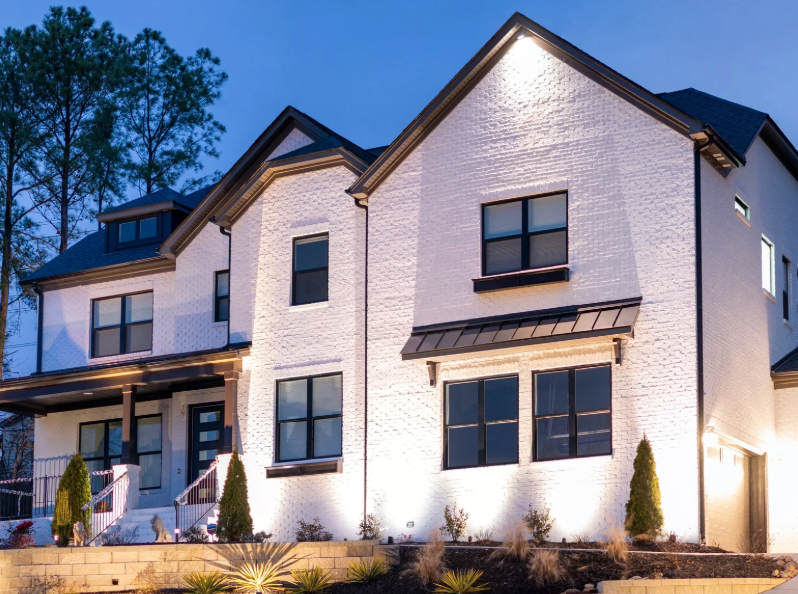
Whole-Home Coverage

More Devices, Fewer Problems
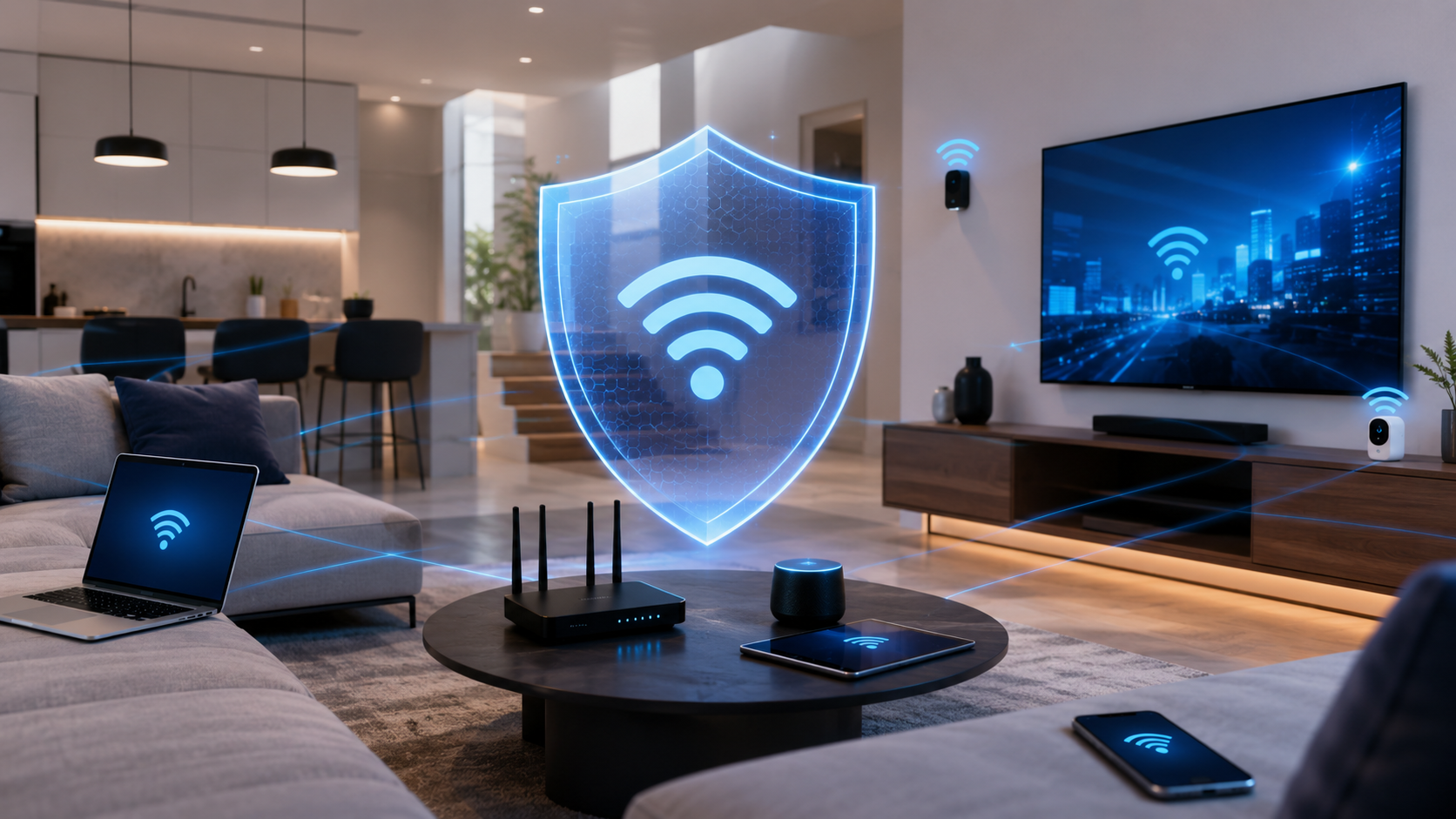
Security and Stability

Local Network Experts
Office WiFi, Shared Folders, Network Drives, Printers and Scanners
Businesses most often call us when computers fail to connect to a mapped network drive, shared folder, central office printer or scanner. These issues can stop productivity quickly, and they are often caused by network changes, permissions, IP address changes, driver problems, firewall settings or failing equipment.
We also upgrade office WiFi for better coverage throughout the property. For larger offices, we can design mesh WiFi systems that cover every inch of the space and support hundreds of devices running simultaneously.
Mapped Network Drives
Restore access to shared files, folders and business network locations.
Office Printers
Reconnect computers to central printers and configure supported scanning.
Office WiFi
Improve wireless coverage, stability and capacity throughout the office.
Racks, Switches and Cabling
Install switches, patch panels, racks, Ethernet cabling and organized network equipment.
We Can Finish the Network Box, Too
Many homes already have Ethernet wires hidden inside the walls — they just need to be properly finished, labeled, connected and organized. We can terminate existing Ethernet, activate useful wall jacks, install switches, mount equipment and clean up messy wiring.

Ethernet Cabling, Jacks, Patch Panels and Network Racks
We install and repair Ethernet cabling for homes and businesses. Pricing depends on structure, distance, access, wall materials, attic access, drop ceilings and the amount of labor required.
Around $600 Per New Cable Run
New residential cabling is often more expensive than people expect because homes can require fishing wire through finished walls, framing, insulation, attic spaces, fire blocks and other difficult substrates.
Around $200 Per Drop-Ceiling Run
Commercial drop-ceiling cable runs are often less laborious because ceilings are more accessible and cable paths are usually easier to manage.
Patch Panels, Racks and Switches
We can install patch panels, connect patch panels to switches, mount network racks and clean up office network equipment.
What We Can and Cannot Control
We can fix and improve the network inside your home or business, but we do not repair infrastructure before the internet provider’s modem. If the service line feeding the ISP modem is bad, the internet provider has to repair that side.
Also, if previous providers installed equipment and did not give you the administrative password, we may not be able to work on that equipment without either getting the password from the provider or resetting the equipment to factory defaults.
We Work After the ISP Modem
Routers, switches, WiFi, cabling, printers, devices and internal network equipment.
ISP Lines Are the Provider’s Job
We do not repair the line or signal feeding the internet provider’s modem.
Admin Passwords Matter
If equipment is locked by another provider, we may need the password or a factory reset.
We Can Still Help
Even when existing equipment is locked down, we can usually create a path forward.
How We Fix or Build a Better Network
Professional networking is not just equipment. It is planning, placement, configuration, testing and cleanup.
Inspect
We review the modem, router, WiFi, switches, wiring, coverage and devices.
Explain
We identify what is failing and explain the practical options in plain English.
Fix or Upgrade
We repair the existing network or install a better system when that makes more sense.
Test and Tune
We test coverage, devices, printers, cabling, speeds and reliability before we leave.
Need WiFi or Network Help Quickly?
Many network issues can be diagnosed or improved the same day or next business day. If specialty equipment is needed, we can almost always schedule within 48 hours and create a clear plan.
WiFi and Networking Reviews
Real feedback from customers who needed better connectivity.
“Very cost effective. Jeremy gave me great advices in term of what I need and not need before we started. He comea out on time and started to work non-stopped until the whole house was set up and there are no internet dead spots.”
“Mr. Computer helped me out with a faulty Ethernet connection and WiFi access points. He was extremely efficient and knowledgeable and got me back online.”
“About three years ago, I had Jeremy install Bulletproof Mesh WiFi around my house. It was the BEST decision I ever made! The mesh WiFi has been outstanding in my house!”
Why DFW Customers Choose Mr. Computer
Fast Scheduling
Many jobs can be handled same day or next business day.
Experienced
Practical networking help from someone who understands the full system.
Clear Advice
No confusing tech talk. Just honest recommendations and practical fixes.
Local Help
Residential and business network support across the DFW area.
Unreliable WiFi, Network Problems or Ready for a Mesh Upgrade?
Call Mr. Computer for on-site WiFi and network service, or use the Mesh WiFi Calculator if you are considering a full whole-home or business mesh upgrade.
Mesh WiFi Calculator
Move the sliders below to get an INSTANT ESTIMATE for AMAZING WiFi