
McKinney Cybersecurity and Scammer Response Services
If you clicked a scam link, allowed a stranger to remote into your computer, shared a password, saw fake Microsoft warnings, or believe an account may be compromised, Mr. Computer provides on-site cybersecurity and scammer response services in McKinney, TX.
Fast help after suspicious activity
Local McKinney computer help
Practical, plain-English support
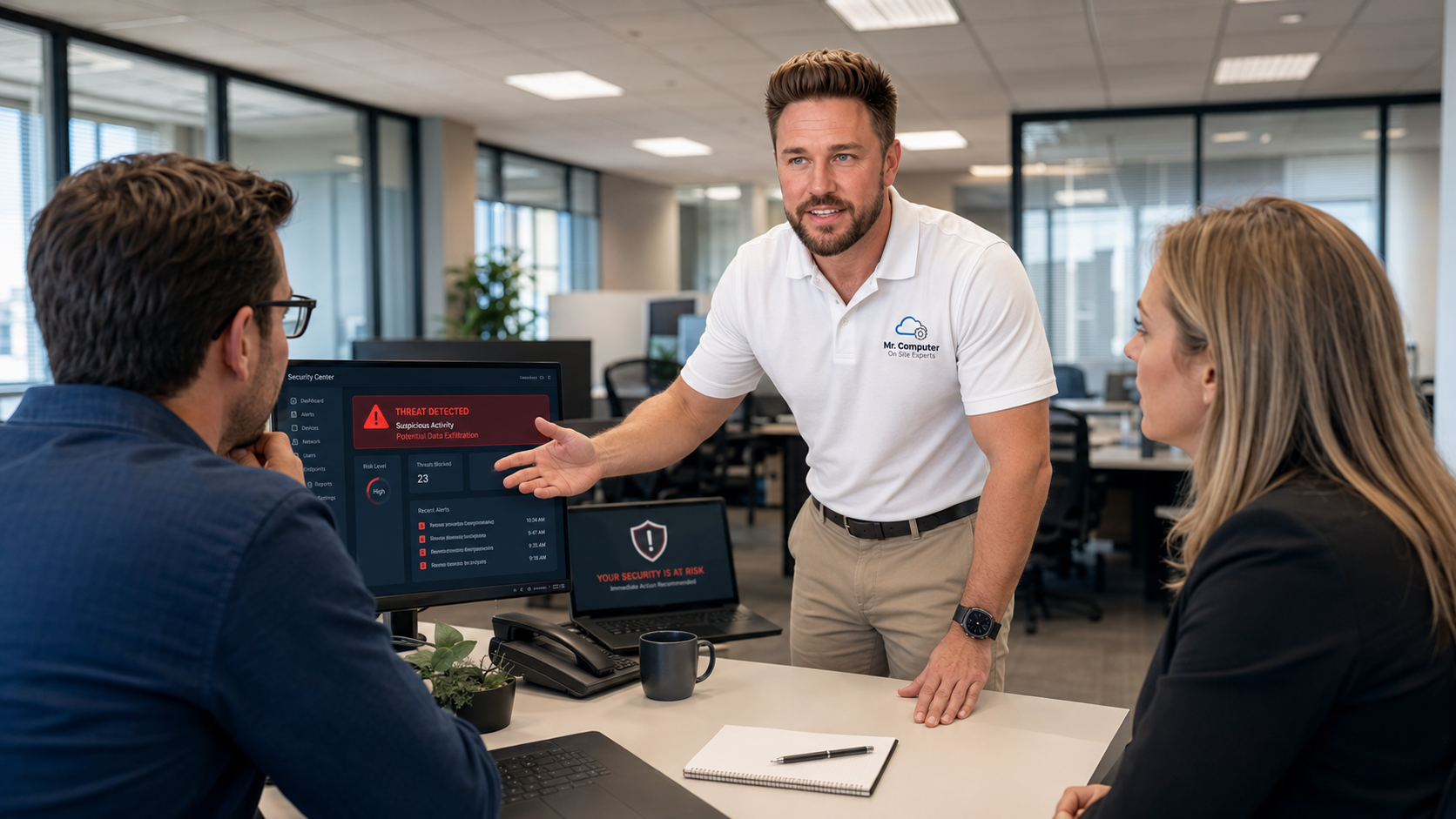
#1 Rated local help after scams, pop-ups and suspicious activity.
Mr. Computer is run by a local sole proprietor with decades of hands-on technology experience and 300+ 5-star reviews from customers who need practical help, not scare tactics.
Urgent scam help
Allowed a scammer to remote into your computer?
Treat this as urgent. A scammer may have seen saved passwords, email, banking sites, documents, browser history, password managers, remote-access tools and personal information. The safest first step is to shut down the computer or disconnect it from the internet.
1. Turn It Off
If the scammer is connected, shut down the computer or disconnect the internet immediately.
2. Stop Typing Passwords
Do not keep logging into banking, email or important accounts on a potentially compromised device.
3. Call Quickly
Fast action matters because exposed passwords can affect multiple accounts.
4. Expect an Audit
We review the computer, accounts, passwords, remote tools, browsers and likely exposure points.
Cybersecurity services we provide
Practical on-site help after scams, suspicious activity and account problems.
Our cybersecurity help is focused on reducing risk, cleaning up obvious problems, securing important accounts and helping you understand what likely happened.
Security Audit After a Scam
We inspect the computer, review likely risks, check for remote tools and help secure important accounts.
Password Security
We help update weak, reused or compromised passwords and reduce risks caused by saved or exposed passwords.
Email Security
We review suspicious email activity, recovery settings, forwarding rules, login concerns and signs of compromise.
Malware and Spyware Checks
We check for malware, spyware, suspicious browser changes, unwanted extensions and risky startup items.
Remote Access Tool Review
We identify unknown remote-access tools and remove or secure them when appropriate.
Router and WiFi Security
We review WiFi passwords, router settings, guest network options and practical home or office network security.
Common problems we help with
Most customers call after something suspicious has already happened.
We help identify what may have been exposed and take practical steps to reduce further damage.
Remote Access Scams
Someone convinced you to install remote-access software or allowed them to control the computer.
Fake Security Warnings
Pop-ups claim your computer is infected and tell you to call Microsoft, Apple or another fake support number.
Compromised Passwords
Passwords may be at risk after they were shared, reused, saved in the browser or typed while someone was connected.
Email Account Problems
Suspicious login alerts, missing messages, strange forwarding rules or signs someone accessed your email.
Unknown Programs
Remote tools, browser extensions, unwanted programs or suspicious apps installed on the computer.
Password Chaos
Weak, reused or forgotten passwords can create security problems across many important accounts.
Scam and identity risk
When one password is exposed, several accounts may be at risk.
Many customers call after a scammer gained access to the computer and then several accounts started having problems. If passwords were saved in the browser, reused across multiple websites, typed while the scammer was connected, or stored in documents, the risk can spread quickly.
Email First
Email accounts often control password resets for many other accounts.
Financial Accounts
Banking, credit cards, shopping and payment apps need urgent attention.
Saved Passwords
Saved browser passwords may need to be reviewed and updated.
Recovery Options
Recovery email, phone numbers and two-step verification settings should be checked.
Rates
Clear pricing for on-site cybersecurity and scam response help.
Cybersecurity consultation, scam response, malware checks, password cleanup and practical security work are billed under the normal Mr. Computer service rate.
1-hour minimum service call.
Fast scheduling
Act quickly when accounts or passwords may be exposed.
The sooner passwords, email accounts, financial accounts and recovery options are reviewed, the better your chances of limiting additional damage.
- Same-day or next-day scheduling when available
- Emergency scheduling may be available for urgent situations
- Best results come from calling during business hours
- Do not keep using a computer while a scammer is connected
- Contact your bank immediately if money was stolen
Security consultation
Want to be more secure moving forward?
We can review your computer, accounts, passwords, browser settings, antivirus options, WiFi security, backups and day-to-day habits. The right security approach depends on your devices, accounts, comfort level, business needs, email provider and risk level.
- Password manager and password cleanup guidance
- Two-step verification recommendations
- Email account security review
- Antivirus and browser safety review
- Backup and file protection recommendations
Homes, home offices and small businesses
Cybersecurity help for real-world situations.
We help residential customers, home offices and small businesses improve practical security and respond to suspicious activity.
- Home users: scams, pop-ups, passwords, email and backups
- Home offices: work computers, WiFi, cloud accounts and files
- Small businesses: email, passwords, WiFi security and employee scam awareness
- Plain-English explanation of what likely happened
- Practical steps to reduce future risk
Honest expectations
Cybersecurity is about reducing risk, not making impossible promises.
We focus on practical steps that help secure your computer, accounts and network moving forward. No one can guarantee that future scams, hacks or account problems will never happen.
We can usually help with:
- Inspecting computers after a scam
- Removing suspicious remote-access tools
- Checking for malware, spyware and unwanted programs
- Updating passwords and reviewing saved passwords
- Reviewing email security and recovery settings
- Setting up two-step verification when appropriate
- Improving router, WiFi and backup security
Important limitations:
- We cannot guarantee future scams will never happen
- We cannot force a platform to recover a locked account
- We cannot recover money stolen by scammers
- We cannot reverse bank fraud directly
- Some social media accounts are very difficult to recover
- Some deleted files or emails may be unrecoverable
- Financial institutions should be contacted immediately if money was stolen
How service works
A practical step-by-step cybersecurity service call.
Inspect
We inspect the computer, browsers, installed programs, remote tools and obvious security risks.
Prioritize
We identify which accounts should be secured first, especially email and financial accounts.
Secure
We help update passwords, remove suspicious tools, improve settings and enable stronger protections.
Educate
We explain what likely happened and how to better recognize risky situations in the future.
FAQ
McKinney cybersecurity and scammer response questions.
Do you provide cybersecurity and scammer response services in McKinney, TX?
Yes. Mr. Computer provides on-site cybersecurity and scammer response services in McKinney, TX for homes, home offices and small businesses dealing with scams, suspicious activity, compromised passwords, malware concerns and account security problems.
What should I do if a scammer is remotely connected right now?
Turn the computer off immediately or disconnect it from the internet. Do not keep typing passwords or logging into important accounts while the computer may be compromised. Then call Mr. Computer as soon as possible.
Can you remove remote-access tools after a scam?
Yes. We can inspect the computer for unknown remote-access tools, suspicious programs, browser changes, startup items and other obvious risks, then remove or secure them when appropriate.
Can you help if my email account was compromised?
Yes. We can review email security settings, suspicious forwarding rules, recovery options, password concerns and two-step verification when the account can still be accessed or recovered.
Can you recover stolen money?
No. If money was stolen, contact your bank, credit card company, payment app or financial institution immediately. Mr. Computer can help secure the computer and accounts, but financial recovery is handled by the financial institution.
Can you guarantee I will never be hacked or scammed again?
No. Cybersecurity is about reducing risk, not making impossible promises. We focus on practical steps that help secure your computer, accounts, passwords, email, network and backups moving forward.
What does cybersecurity and scammer response service cost?
Cybersecurity and scammer response service is billed at $179 per hour with a 1-hour minimum service call under the normal Mr. Computer fee schedule. Emergency scheduling may be available at higher emergency rates when appropriate.
Schedule scam response help
Worried about a scam, virus or compromised account in McKinney?
Call Mr. Computer and tell us what happened, whether anyone remoted into the computer, and which accounts may be affected. We will help you decide the next safest step.