
Printer and Scanner Setup & Troubleshooting
On-Site Help for Wireless Printers, Network Printers, Scanners, Drivers & Printing Problems
Mr. Computer helps homes and businesses get printers working again. We install new printers, connect printers to WiFi, fix printer offline problems, install drivers, configure scanning, connect computers to network printers, and troubleshoot the frustrating issues that stop printing from working.

Common Printer Problems We Solve
Printer problems are usually not caused by the printer “being broken.” Most of the time, the issue is WiFi, drivers, network discovery, software, or a change in the home or office network.
Computer Cannot See the Printer
The most common call: the printer is on the network, but the computer cannot find it or print to it.
New Printer Will Not Connect to WiFi
Newer printers, especially some HP models, can be difficult for customers to connect without help.
Printer Stopped After Internet Changes
Changing internet providers, routers, WiFi names or network equipment can break printer connections.
Scanner Will Not Work
We help with scanner software, scan-to-computer setup, scan drivers and network scanning issues.
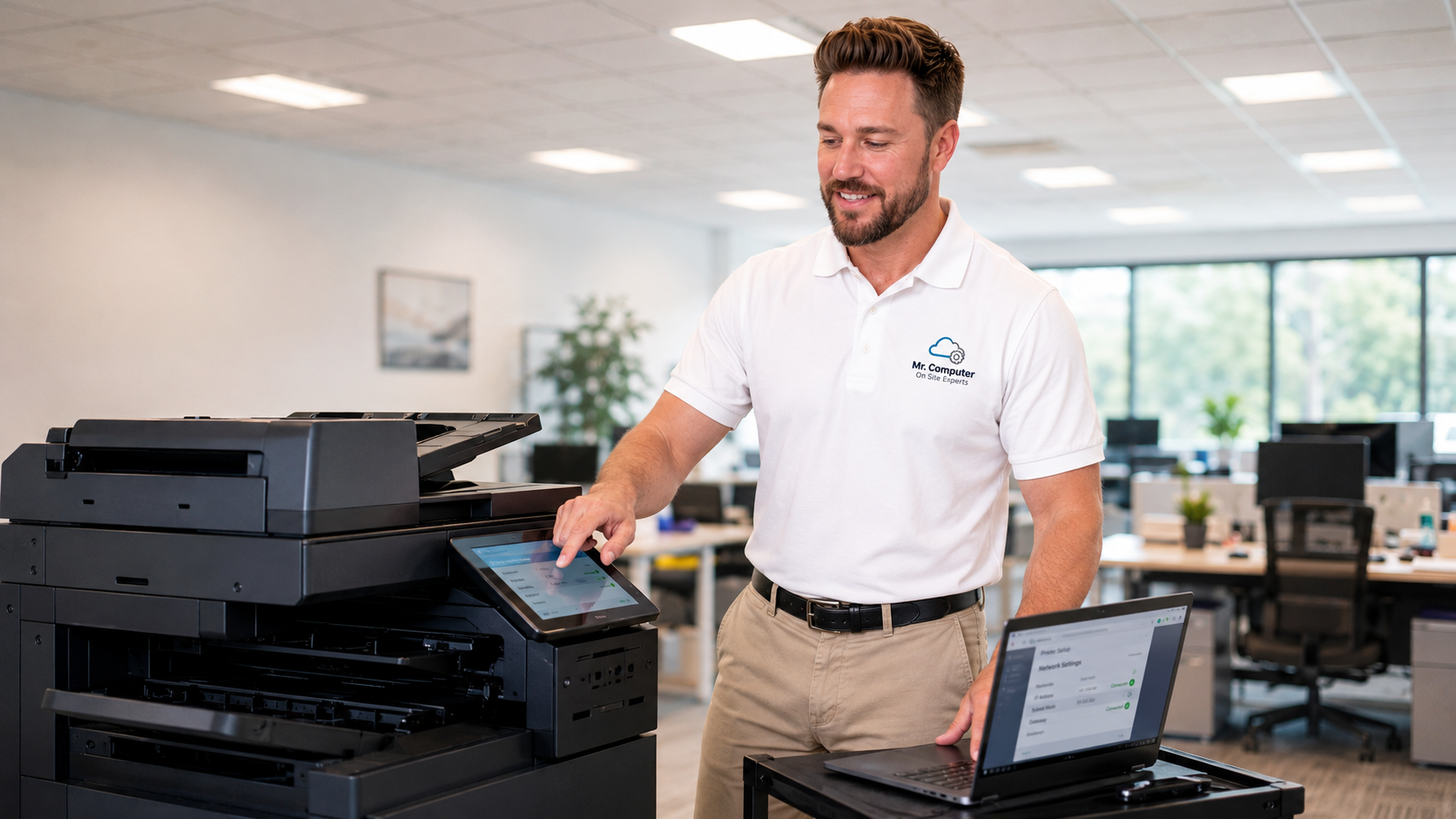
Network Printing and Scanning Help for Offices
We support standard home printers, small-business printers and commercial office printers. We can help with network setup, driver installation, shared printing, multi-computer connections and scanning configuration.
On modern commercial printers, scanning to email can often be configured. However, many older commercial printers are no longer compliant with modern email security requirements, so scan-to-email may not work on some older systems. In those cases, we can review other scanning options.
Printer Brands We Commonly Support
We help customers connect, configure and troubleshoot many major printer brands. These are vector-style brand badges for quick recognition.
Most Simple Printer Calls Are Completed Within One Hour
Printer services are billed hourly. If you have one printer and one to three healthy computers, the job is usually completed within our one-hour minimum service call.
Service can take longer if printer firmware needs to be updated, the computers are slow or unresponsive, Windows updates are required, drivers are damaged, the network has changed, or multiple devices need to be connected.
Printer and Scanner Services We Provide
We support both residential printers and business printers. Most printer service calls are performed on site because the issue often involves the printer, computer, WiFi, router and network all working together.
New Printer Installation
We set up new printers, connect them to WiFi or Ethernet, install drivers, connect computers, configure basic printing and verify the printer works before we leave.
WiFi Printer Setup
Connect printers to wireless networks, fix WiFi setup problems and reconnect printers after router changes.
Driver Installation
Install or reinstall printer drivers, manufacturer software and scanning utilities when needed.
Printer Offline Problems
Fix printer offline errors, missing printers, stuck print queues and computers that cannot find the printer.
Scanner Setup
Configure scanning software, scan-to-computer, basic scanning workflows and network scanning when supported.
Network Printer Setup
Connect multiple computers to shared printers, office printers and network-connected printers.
Print Queue Cleanup
Clear stuck jobs, reset print queues and resolve software issues that prevent printing.
Firmware and Updates
When needed, we update printer firmware, computer software or Windows components that affect printing.
We Fix Setup, Connection and Software Problems — Not Physically Failed Printers
Mr. Computer does not repair physically damaged printers or printers that have mechanically failed. If a printer has a broken part, failed print head, failed fuser, bad rollers, damaged paper path, internal hardware failure, or a manufacturer service message requiring parts replacement, replacement is usually the better option.
We are the right call when the printer should work but does not: the computer cannot see it, it will not connect to WiFi, the scanner will not work, the driver is wrong, the print queue is stuck, or the printer stopped working after a network change.
We Do Not Replace Fusers
If the printer says the fuser requires replacement, that is a hardware repair or replacement issue.
We Do Not Replace Print Heads
If the printer says the print head needs service or replacement, replacing the printer is often the smarter path.
We Do Not Fix Broken Hardware
Broken trays, failed motors, damaged rollers, cracked parts and physical failures are not our printer service focus.
We Do Fix Connections
WiFi, network setup, drivers, scanning, offline errors and computer-to-printer communication problems.
Printer Buying Recommendations
If your printer is old, unreliable or physically failing, replacing it is often more cost-effective than trying to repair it. We generally recommend buying new, not refurbished, printers directly from Amazon or another reputable seller.
Epson EcoTank Printers
For most residential users, we strongly recommend Epson EcoTank printers because they are reliable and the ink cost is extremely affordable compared with traditional cartridge printers.
ScanSnap Scanners
Epson EcoTank printers are great for basic scanning, but if you scan a lot at home, ScanSnap scanners are much easier to use than most all-in-one printer scanners.
Brother Laser Printers
For small businesses, we usually recommend Brother monochrome or color laser printers because they are practical, reliable and better suited for office printing.
Ricoh, Kyocera or Bizhub-Class Systems
For larger commercial environments, we generally recommend leasing or purchasing a true commercial system such as Ricoh, Kyocera or Konica Minolta bizhub-class equipment.
Common Reasons Customers Call
If any of these sound familiar, call and tell us you need printer or scanner help.
“My computer cannot find the printer.”
We troubleshoot network discovery, WiFi, drivers, print queues and computer-to-printer communication.
“I bought a new printer and cannot connect it.”
We connect the printer to WiFi, install software and make sure the computers can print.
“The printer stopped after I changed internet.”
We reconnect the printer after router changes, provider changes, WiFi name changes or network upgrades.
“My scanner does not work.”
We configure scanning software, scan drivers, network scanning and supported scan-to-computer options.
Need Help With a Printer or Scanner?
Call Mr. Computer and tell us whether you need a new printer installed, a printer reconnected, a scanner configured, or an existing printer troubleshot.