
Slow Computer? We’ll Find the Cause and Get It Running Right Again.
Professional Slow Computer Repair, Tune-Ups, SSD Upgrades, Virus Checks and Windows Optimization
A slow computer can be caused by software problems, viruses, startup programs, outdated Windows components, a slow hard drive, failing hardware, weak WiFi or even internet problems. Mr. Computer checks the whole picture so we can fix the real cause — not just guess.
Most slow-computer service calls are handled at our normal hourly rate, and many are completed in about 1 to 1.5 hours when there are no deeper hardware or operating system problems.
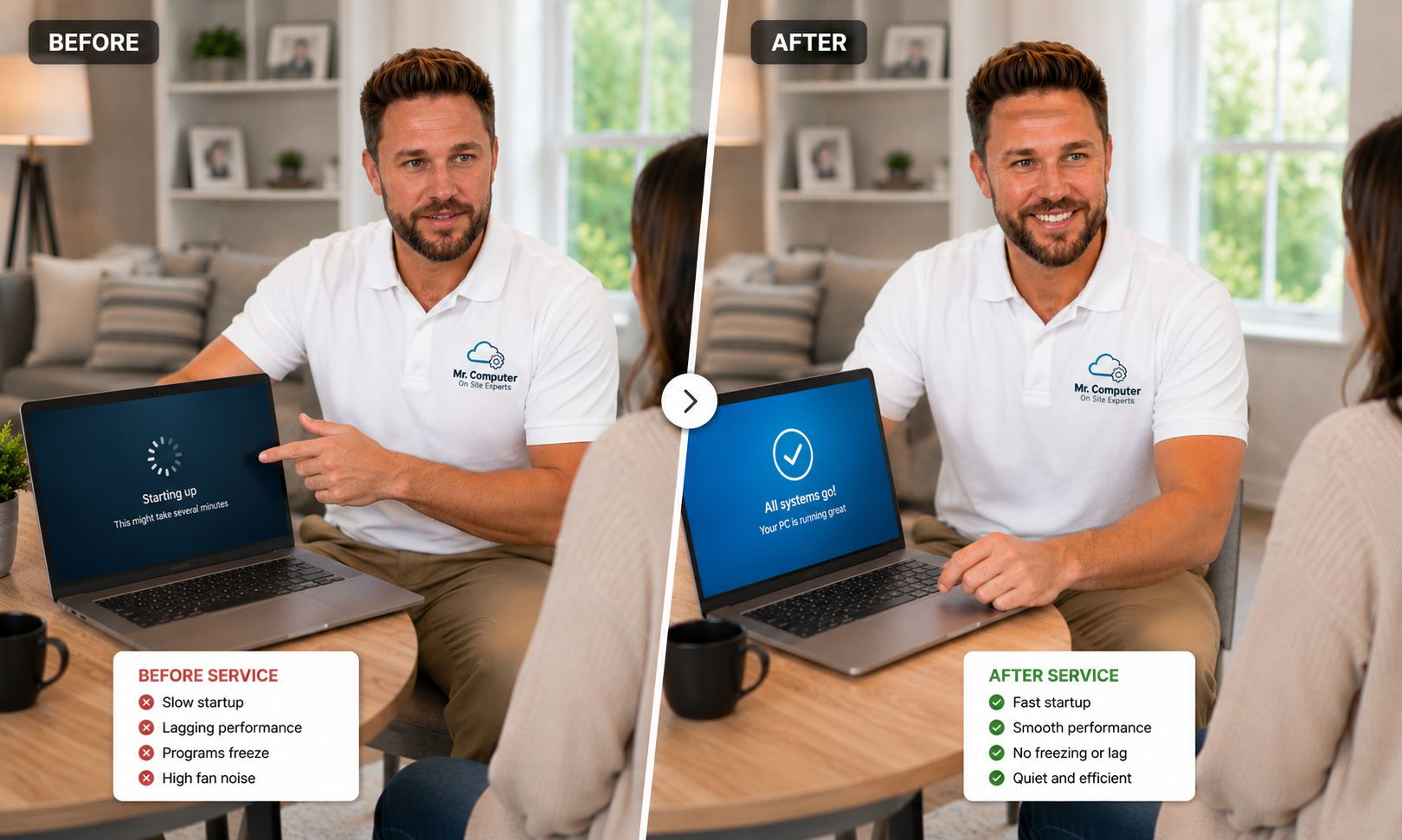
Why Is My Computer So Slow?
Slow computers are not all slow for the same reason. Sometimes the problem is software. Sometimes it is malware. Sometimes the computer has older hardware that simply cannot keep up with modern Windows. Sometimes the “computer problem” is actually weak WiFi or bad internet performance.
Bogged-Down Software
Too many startup programs, messy background services, leftover utilities, browser clutter and old software can make a computer feel sluggish.
Virus or Malware Damage
A computer may still run poorly after a virus is “removed” if the damage, pop-ups, browser hijacking or unwanted programs remain.
Slow Mechanical Hard Drive
Some older Windows 10 and Windows 11 computers still have mechanical drives. An SSD hard drive is about 15 times as fast as a mechanical hard drive and can completely change how the computer feels.
Windows Problems
Windows updates, corrupted system files, broken drivers or a badly cluttered installation can create serious lag and instability.
Hardware Limitations
Sometimes the processor, drive, age or overall condition of the computer makes repair less attractive than replacement.
WiFi or Internet Problems
If websites, cloud apps, email or videos are slow, the computer may not be the real problem. The issue may be internet or WiFi.
We Don’t Just Click Around and Hope. We Check the Whole System.
A proper slow-computer service call should look at software, security, startup behavior, Windows health, drivers, updates, hardware, storage speed, disk health, browser settings, antivirus protection, printers and even internet or WiFi performance when needed.
We look for the real cause of the slowdown and explain the best path forward: a standard tune-up, a deeper Windows reload, an SSD upgrade, virus cleanup, WiFi troubleshooting or, in some cases, replacement.
Startup Review
We review programs that automatically start with Windows and remove unnecessary background load.
Malware Check
We check for viruses, spyware, malware, browser hijackers, pop-ups and suspicious programs.
Hardware Review
We review the computer’s processor, storage type, drive health, RAM and overall repair viability.
Update Review
We check Windows updates, important components, drivers and commonly used software when appropriate.
Tune-Up vs. Windows Reload: What’s the Difference?
Not every slow computer needs Windows reinstalled, but customers should understand the difference between improving a computer and truly giving it a fresh start.
Computer Tune-Up
A tune-up is usually the fastest and least disruptive option. We remove unnecessary startup items, clean up software issues, review security, check updates, inspect browsers, look for malware and improve performance where possible.
- Usually faster and simpler
- Great for moderately slow computers
- Helps recover a lot of lost speed
- Does not make Windows behave like brand new
Backup, Reload Windows & Restore Data
When Windows is badly bogged down, corrupted or too messy to fully clean up, the best result may come from backing up the customer’s files, reinstalling Windows and placing the data back in the same directory structure so it is easy to find.
- Often produces the biggest speed improvement
- Creates a cleaner, more stable Windows installation
- Removes years of software clutter
- We make every reasonable effort to reinstall the same programs
Still Using a Mechanical Hard Drive? An SSD Upgrade Can Make a Massive Difference.
One of the most common hardware causes of a slow computer is an older mechanical hard drive. Almost all newer computers use high-speed SSD storage, but many older computers were sold with mechanical drives that feel extremely slow by modern standards.
SSD hard drives are about 15 times as fast as mechanical hard drives. In real-world use, replacing a mechanical hard drive with an SSD can have a net impact of making the computer feel about 5 times as fast as it was the day it was brand new.
We often keep SSDs on the truck and can clone the old drive to a new SSD during the service call when the computer qualifies. This can make the computer dramatically faster while preserving the customer’s familiar Windows setup, files and programs whenever the clone is successful.
Mechanical Hard Drive
Mechanical drives can make startup, updates, programs and file access feel painfully slow.
SSD Drives Are Much Faster
An SSD hard drive is about 15 times as fast as a mechanical hard drive.
Huge Real-World Improvement
Changing to an SSD can have a net impact of making the computer about 5 times as fast as it was when brand new.
SSD Clone
When possible, we clone the old drive so the computer keeps the customer’s familiar Windows setup and files.
Will More RAM Make My Computer Faster?
Sometimes, but not nearly as often as people think. “Add more RAM” is one of the most common pieces of advice customers receive, and on modern computers it is often not the real issue.
RAM Upgrades Are Not Usually the First Answer
Years ago, many computers shipped with too little memory, and adding RAM could make a major difference. Today, most modern computers already have enough RAM for normal use. When a modern computer is slow, the cause is far more often software clutter, Windows problems, a slow mechanical hard drive, malware remnants, internet/WiFi issues or an aging processor.
We can install RAM when it is actually needed, but we need to know in advance because we do not keep every possible RAM type on the truck. We would need the computer details ahead of time so the correct memory can be ordered and brought to the appointment.
Slow Computers Can Also Be a Security Warning Sign
Pop-ups, fake security alerts, scam support numbers, suspicious remote-access tools and browser changes can all make a computer slower and less safe. These days, threats come from many directions, and customers need to be very cautious about anyone asking them to call a number or allow remote access.
If a suspicious person or fake support company has remoted into your computer, turn the computer off or disconnect it from the internet and call for help quickly.
Sometimes the Computer Isn’t Slow — the WiFi Is
If the computer mainly feels slow when using websites, email, cloud apps, streaming, video calls or online services, the problem may be internet or WiFi performance instead of the computer itself.
Try Moving Closer to the Router
Before assuming the computer is the problem, try using it closer to your WiFi router if possible. If the computer becomes faster near the router, your WiFi coverage may be the real issue.
Large Homes
Large homes often need professionally designed mesh WiFi because one router cannot reliably cover every room.
Weak Signal
A weak WiFi signal can make a good computer feel slow when browsing, streaming or using cloud services.
Bulletproof WiFi
Our professionally installed mesh systems can make a dramatic difference in homes with dead zones or weak coverage.
Most Slow-Computer Fixes Are Done at Our Standard Hourly Rate
Slow-computer service is billed at our normal hourly rate. When the issue is a standard tune-up and there are no deeper problems, many slow-computer calls are completed in about 1 to 1.5 hours.
The appointment can take longer when the computer has a large amount of data, failing hardware, deep malware problems, Windows corruption, a required SSD clone, or when Windows needs to be backed up, reloaded and restored.
Should You Repair the Computer or Replace It?
We try to qualify this before the service call. If the computer is not likely to be a good solution after repair, we would rather discuss that before you spend money on an appointment.
Repair May Make Sense When...
- The computer is not too old
- The processor is still reasonable
- The main issue is software, Windows or a slow hard drive
- The customer wants to keep the current setup
- An SSD upgrade or reload would produce a worthwhile result
Replacement May Make Sense When...
- The processor is too slow by modern standards
- The computer has multiple hardware problems
- The repair cost does not make financial sense
- The computer is no longer compatible with what the customer needs
- The customer would be better served by a new computer setup and data migration
Ready to Find Out Why Your Computer Is Running Slow?
Call Mr. Computer and we’ll ask a few questions to qualify the computer, understand the symptoms and recommend the right next step — tune-up, SSD upgrade, Windows reload, virus cleanup, WiFi troubleshooting or replacement.